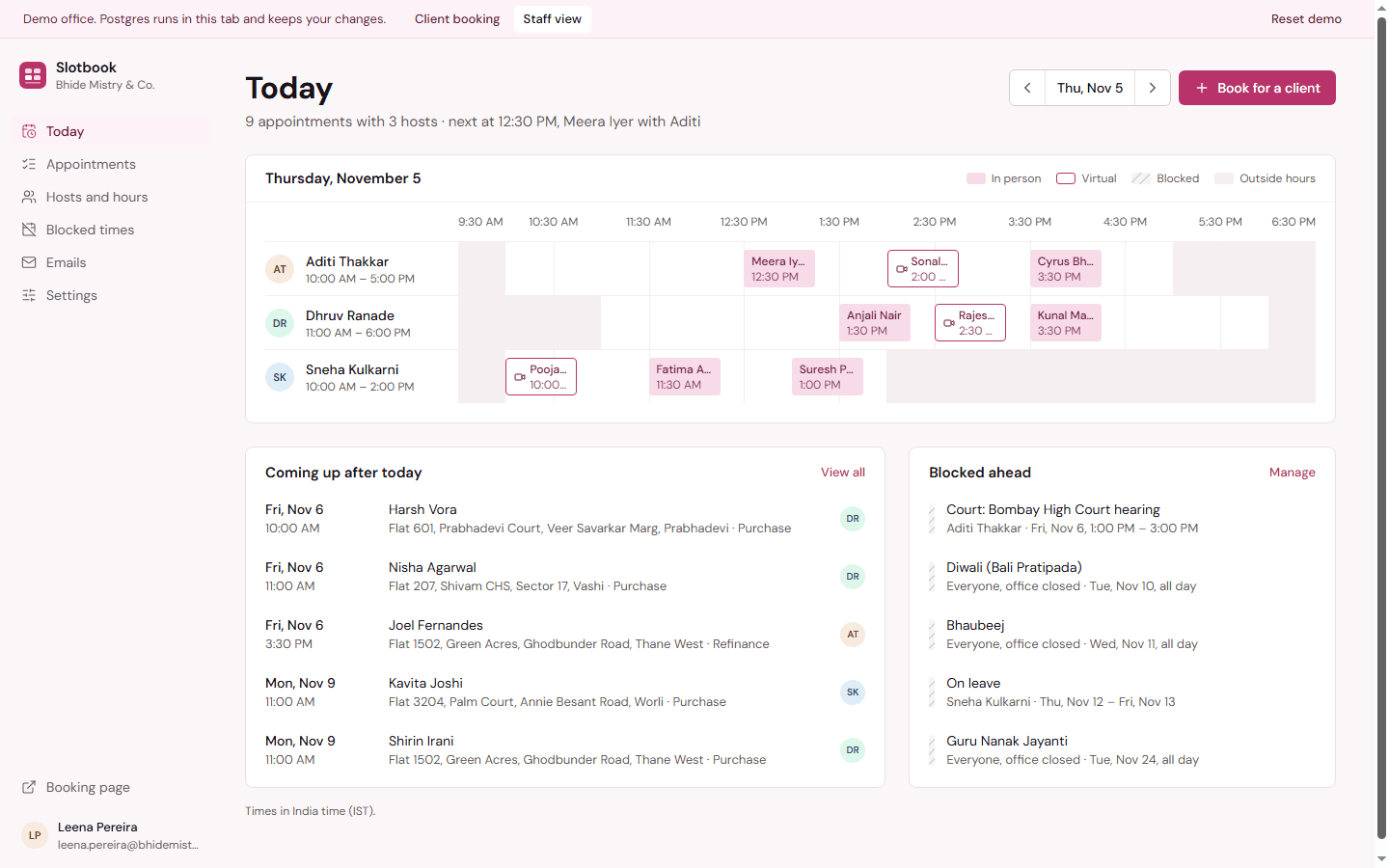
Slotbook
Meeting scheduler
Clients pick a person, a day and a free time; staff see every host's day on one board.
- Next.js 16
- React 19
- TypeScript
- PostgreSQL
- Files
- 74
- Lines
- 8,188
- Source
- ₹10,999
A team ticket tracker with subtasks, notes, watchers, linked tickets and the emails it sends.
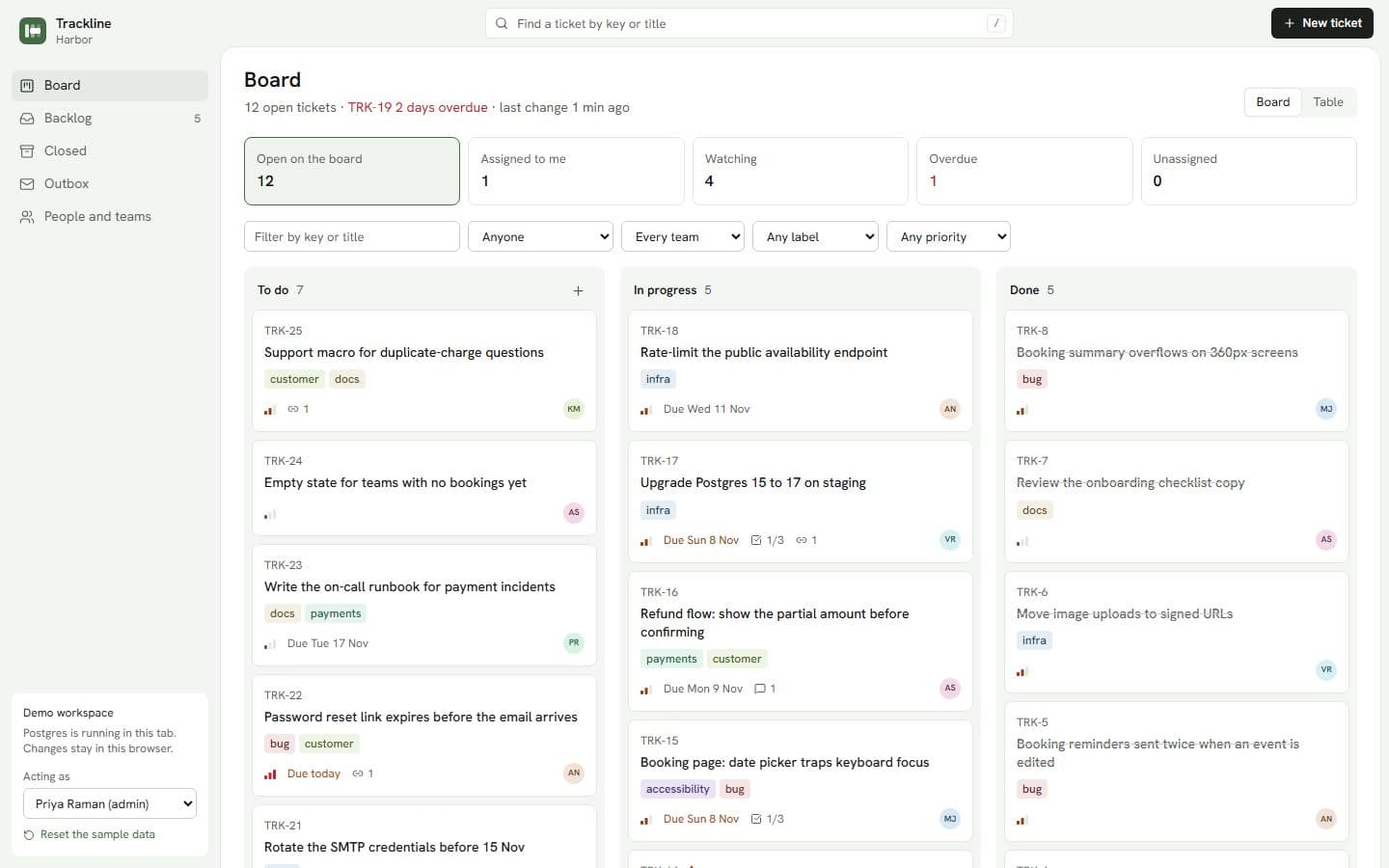
Walkthrough: the board, a ticket's notes with an @mention, subtasks, and the email it sends
1 / 7
Product and engineering teams
A focused tracker with the parts a team uses every day, and no per-seat pricing.
Support and operations
Tickets that email the right people and keep a record of every message they sent.
Agencies and developers
A readable Next.js and Postgres codebase to rebrand or extend for a client.
Live now
Try it before you download it. The Harbor team's workspace: six people, 25 tickets with notes, subtasks, links and three weeks of history. No sign-up.
Team board
The board, table, backlog, outbox and people, opened as Priya, the admin.
Open team boardA busy ticket
TRK-14 opened: notes with an @mention, subtasks, links and the emails it sent.
Open a busy ticketThe outbox
Every email the team's changes caused, with a preview of each message.
Open the outboxNo password in the demo. Switch person with “Acting as” in the sidebar.
Priya Raman
Admin
Everything, plus people, teams and labels. The demo opens as Priya.
Arjun Nair
Member
Assignee on TRK-14, the duplicate receipts bug, and two more open tickets.
Meera Joshi
Member
The Web team's keyboard-focus bug and the CSV export request.
Postgres runs in your tab and keeps your changes in this browser. “Reset the sample data” in the sidebar starts over.
On your own machine
npm installSEED_PASSWORD=choose-a-password npm run db:seednpm run devThen sign in with the sample admin:
Username
Password
choose-a-passwordOr whatever you set SEED_PASSWORD to. Every sample person signs in with it.
Without the seed, the first visit asks you to create the first account, which becomes the admin.
Grouped by where the work happens.
Exact versions, because that is the first thing a developer checks.
trackline.zip, 116 KB: the whole project as it unzips, counted from the zip itself.
No. Trackline runs on PGlite, a real Postgres compiled to WebAssembly and stored in ./data/pglite. Point DATABASE_URL at Supabase, Neon or your own Postgres when you go to production.
Every notification is still written to the Outbox, so nothing is lost. Invitations wait there too, and an admin can copy the link from it.
On Vercel, vercel.json already schedules the reminder job daily at 08:00 UTC (1:30 pm IST). On your own server, run npm run reminders from cron. Each ticket gets at most one reminder of each kind per day.
Yes. Set NEXT_PUBLIC_TICKET_PREFIX=OPS and keys read OPS-12.
Meeting scheduler
Clients pick a person, a day and a free time; staff see every host's day on one board.
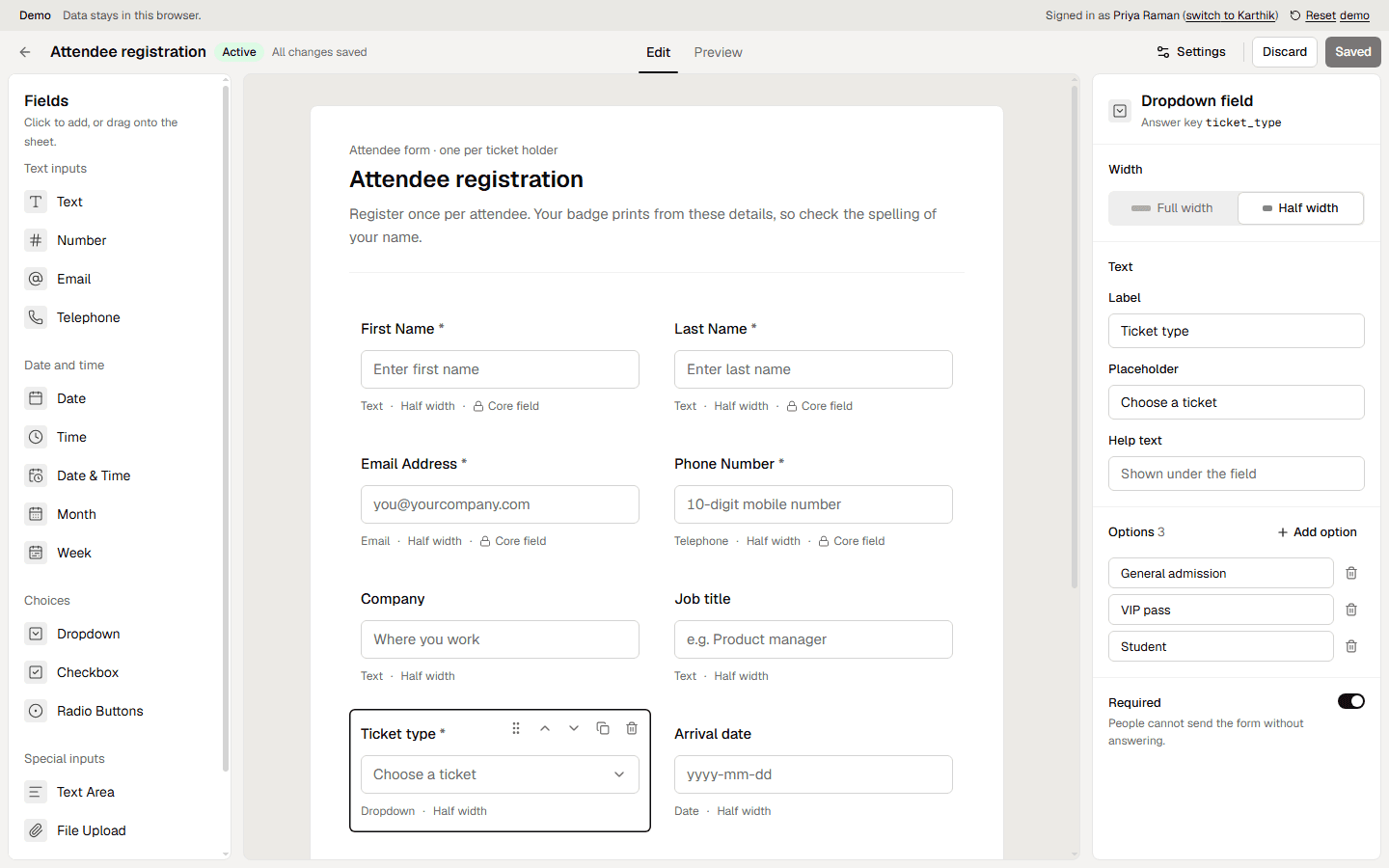
Form builder
Build registration forms from a palette of fields, publish a link and read the responses.
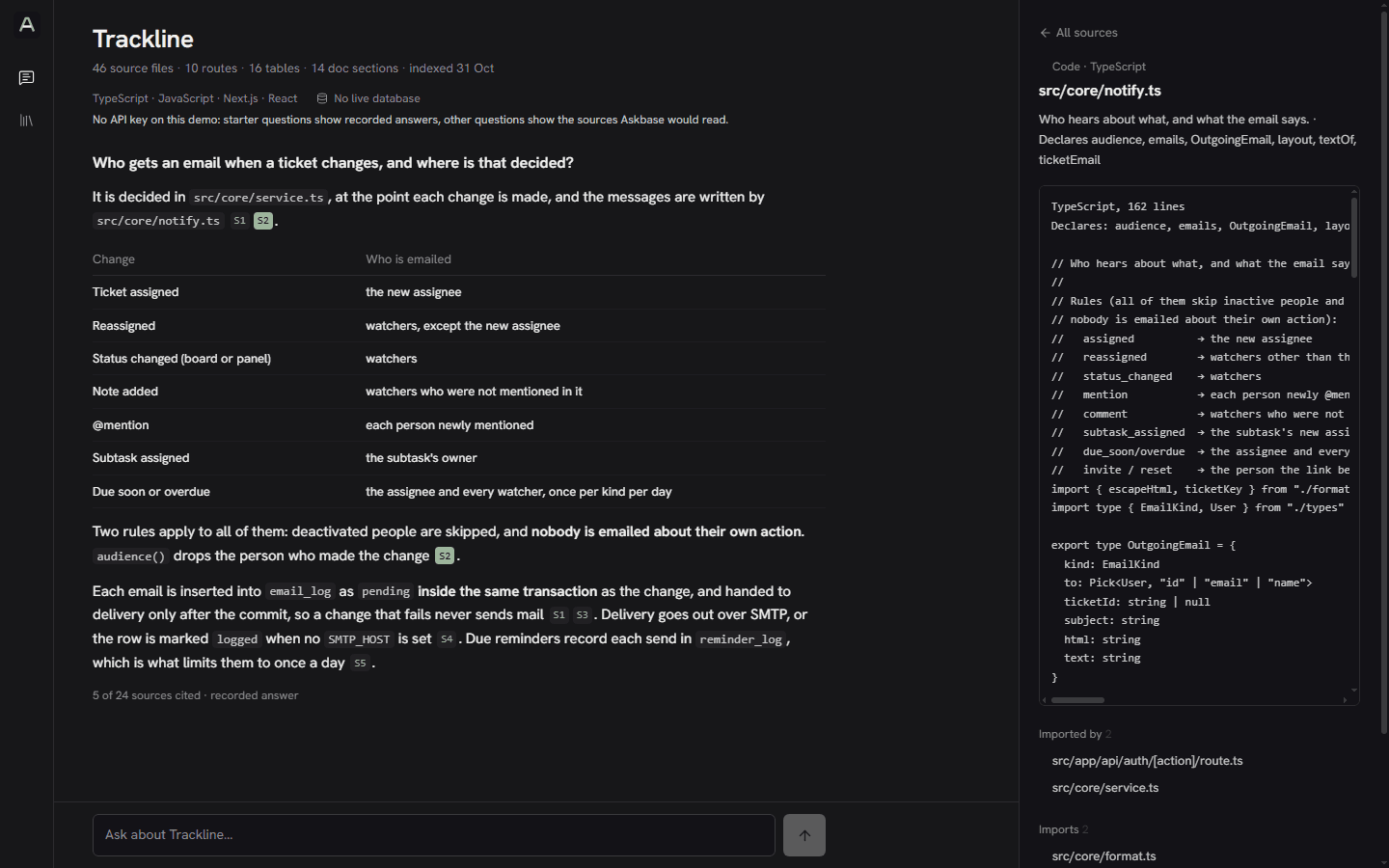
Project chatbot
Ask any codebase how it works, and get answers that cite the files they came from.
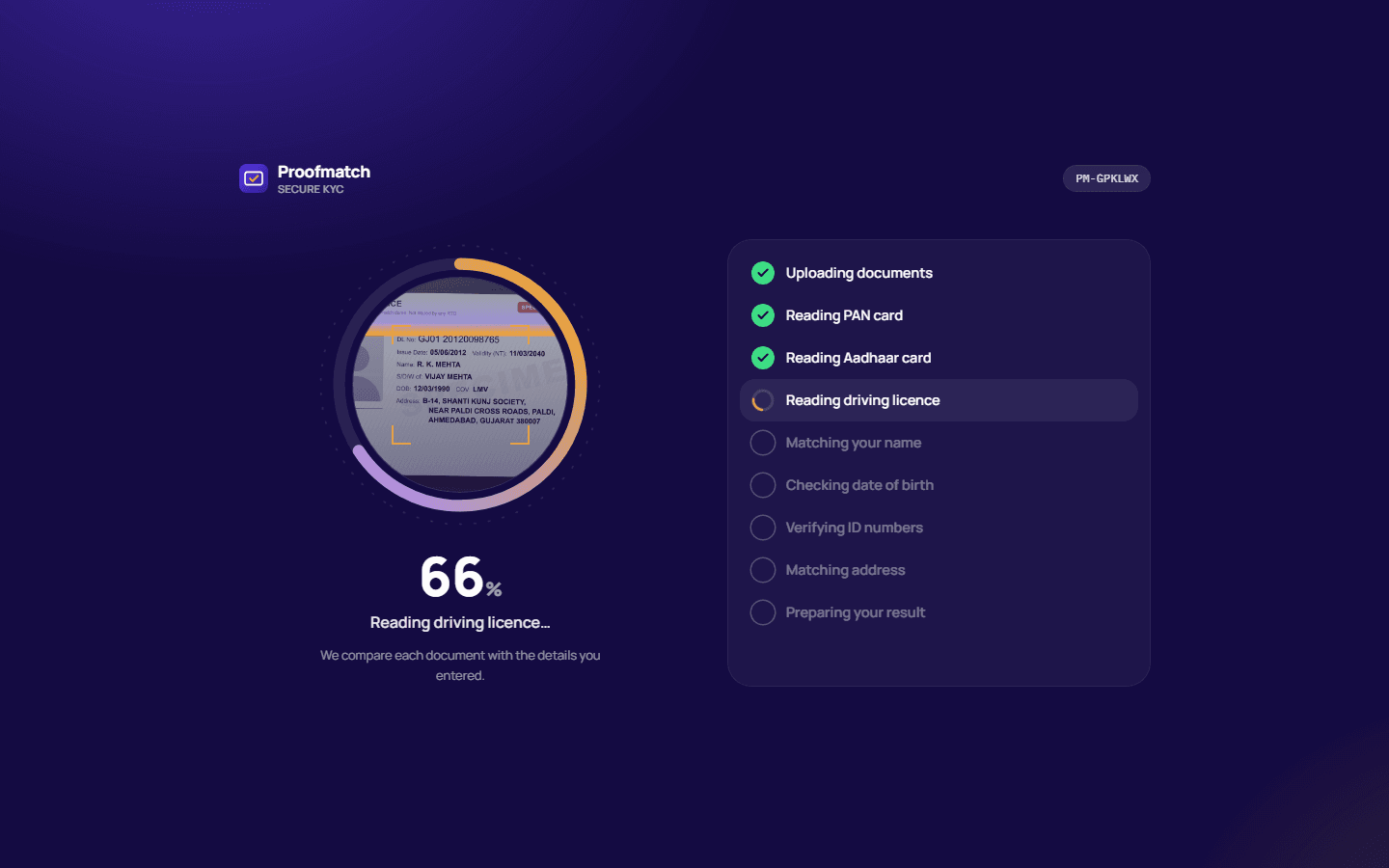
KYC verification
A KYC form for India that reads each PAN, Aadhaar and driving licence and checks it against what the applicant typed.
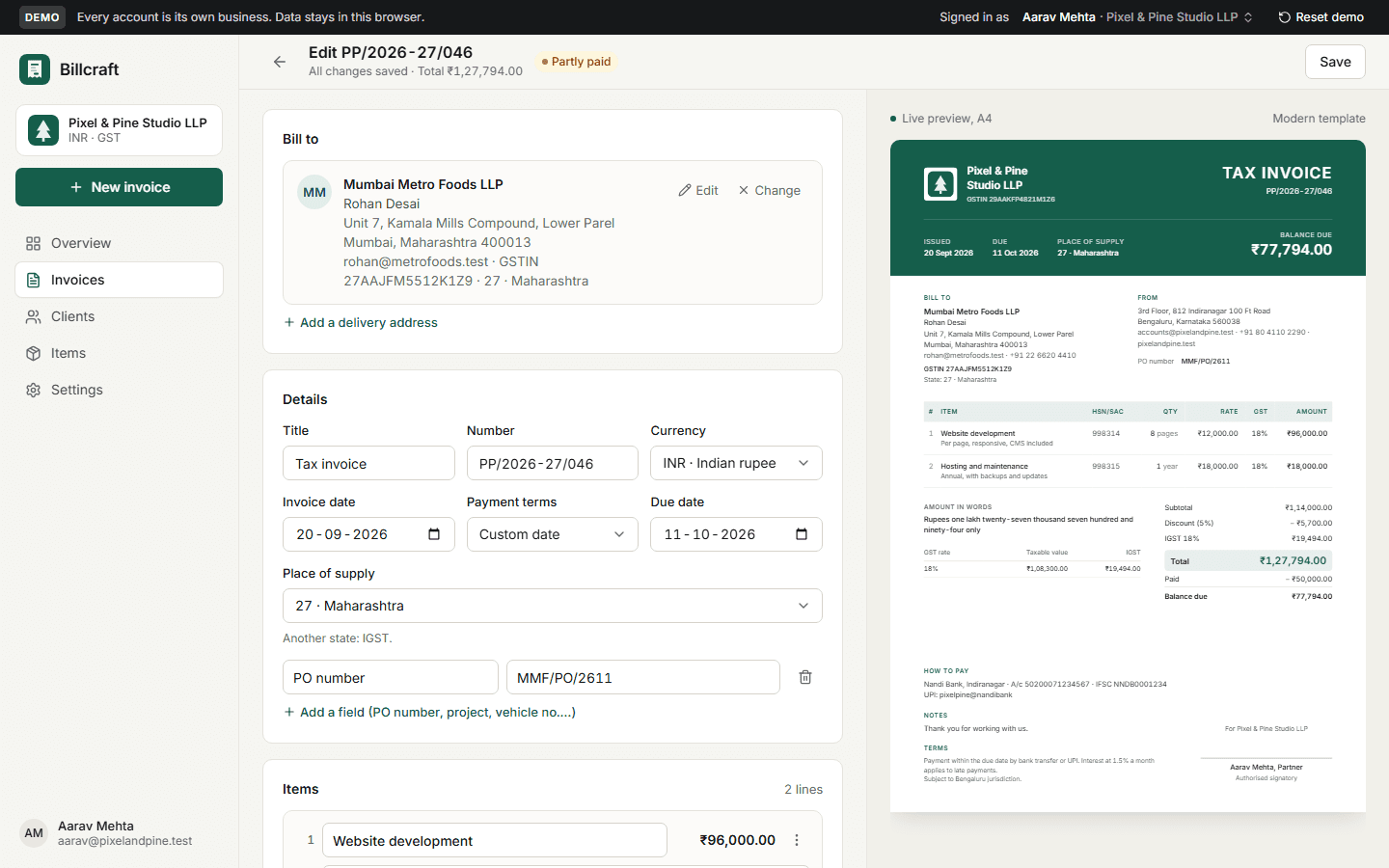
Invoice generator
GST invoices for any business: CGST + SGST or IGST, HSN/SAC, rupees in lakh and crore, three designs, a client link, payments and PDF.
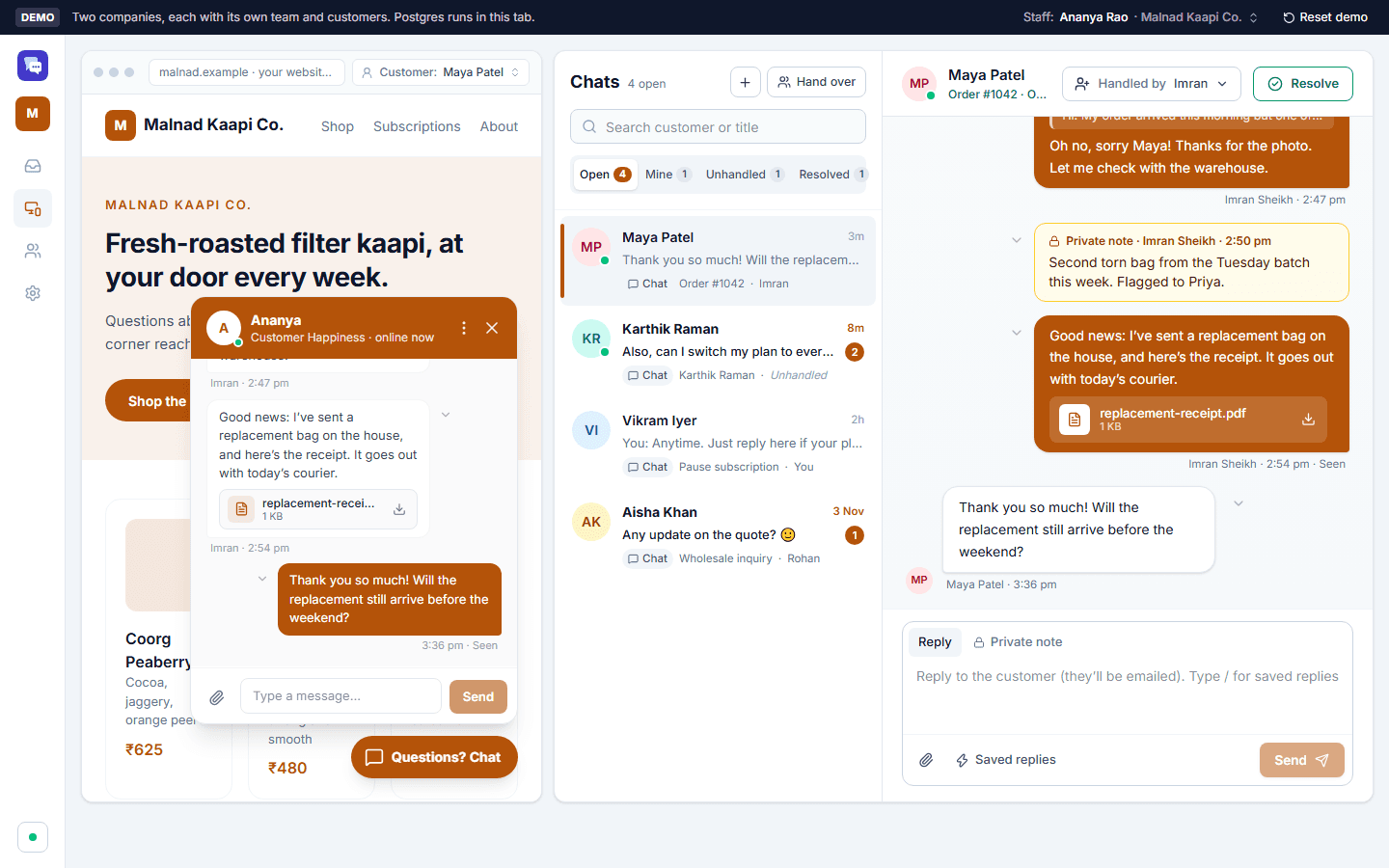
Live chat
Live chat for any number of companies: a chat button for each company's site and a shared inbox for its team.
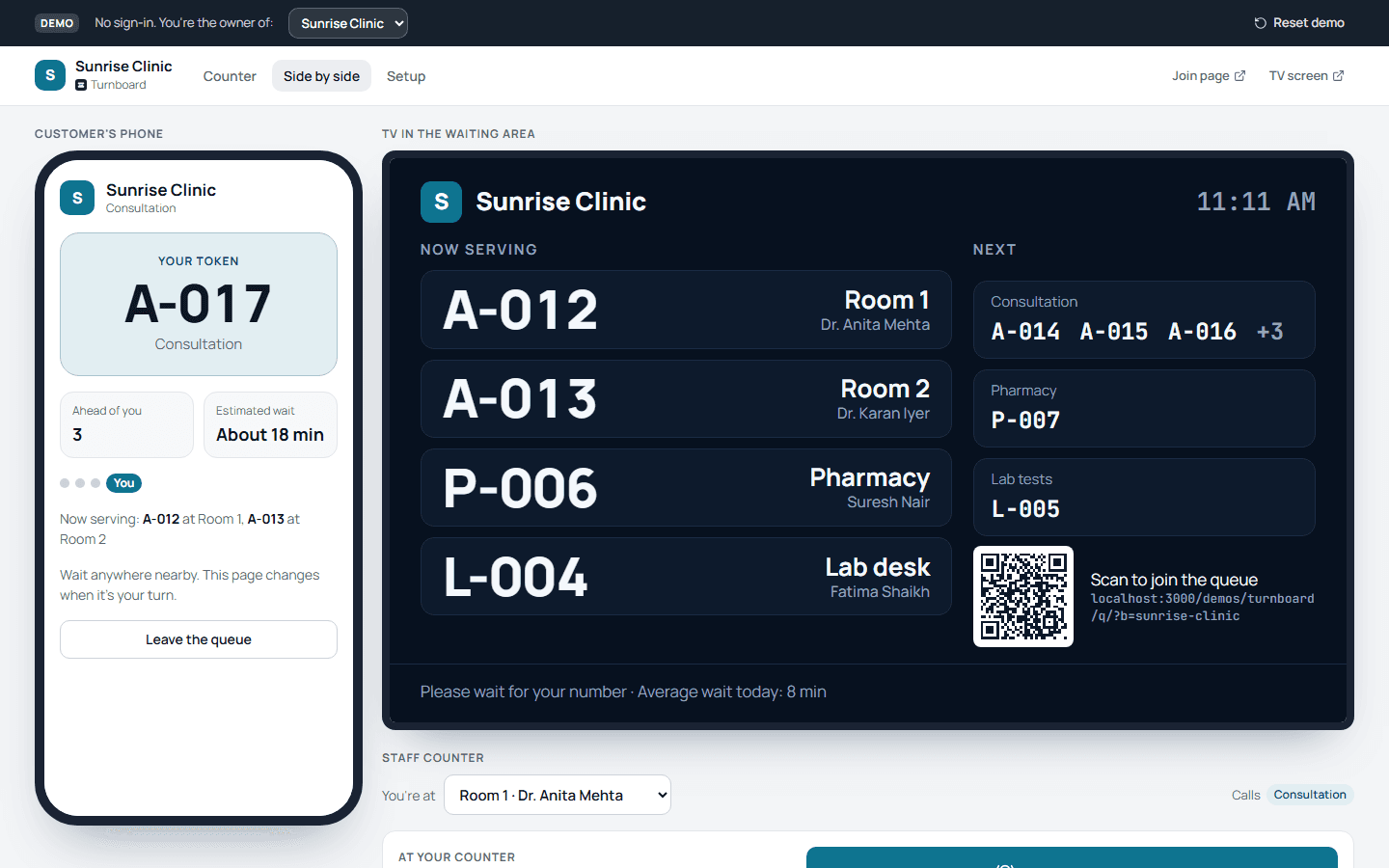
Walk-in queue
A walk-in queue: customers take a token on their phone, staff call the next person with one tap, and a TV shows who is being served where.
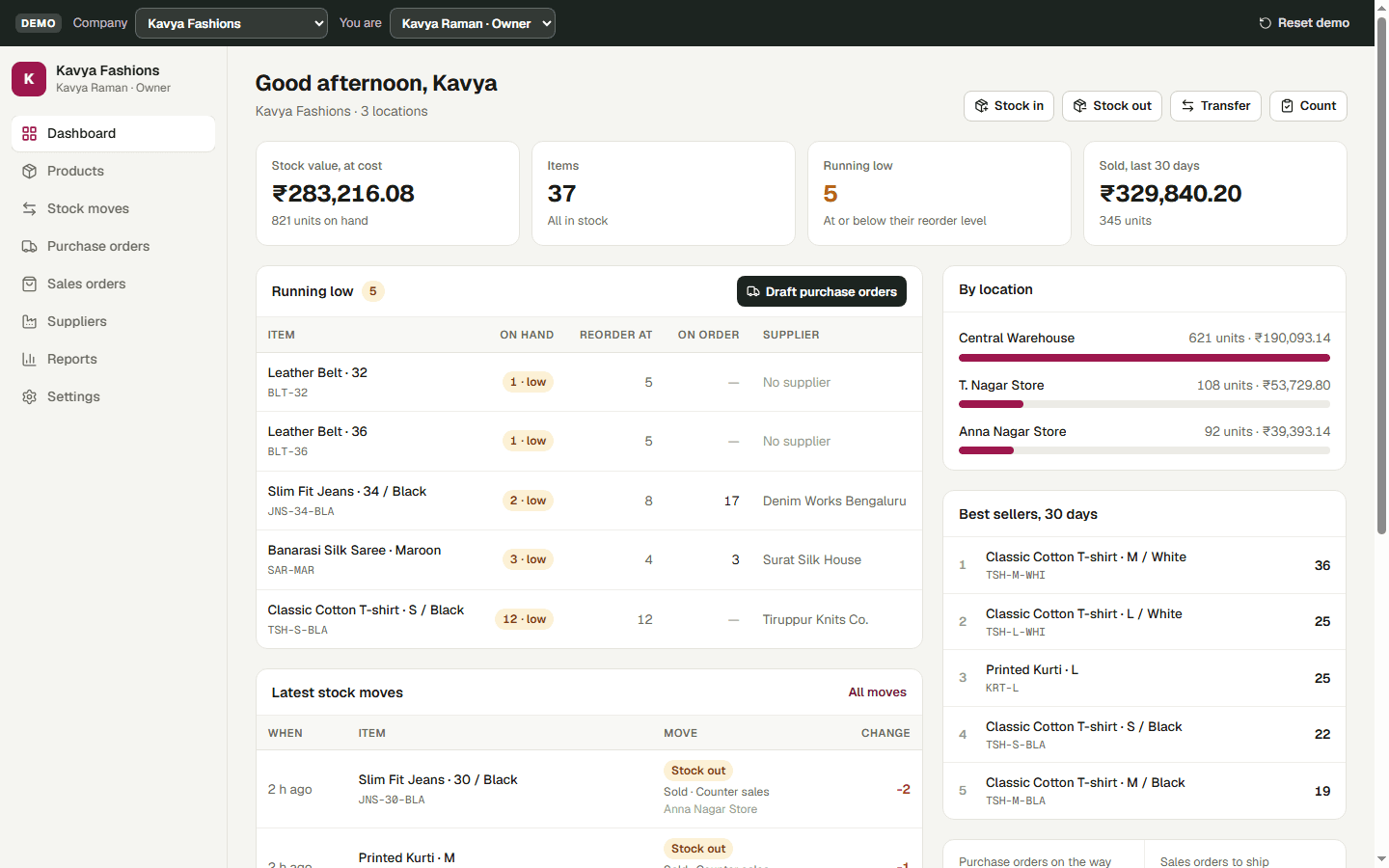
Inventory and stock
Inventory for any number of companies: products with variants, several warehouses and shops, stock moves with full history, reorders, purchase and sales orders, and reports.
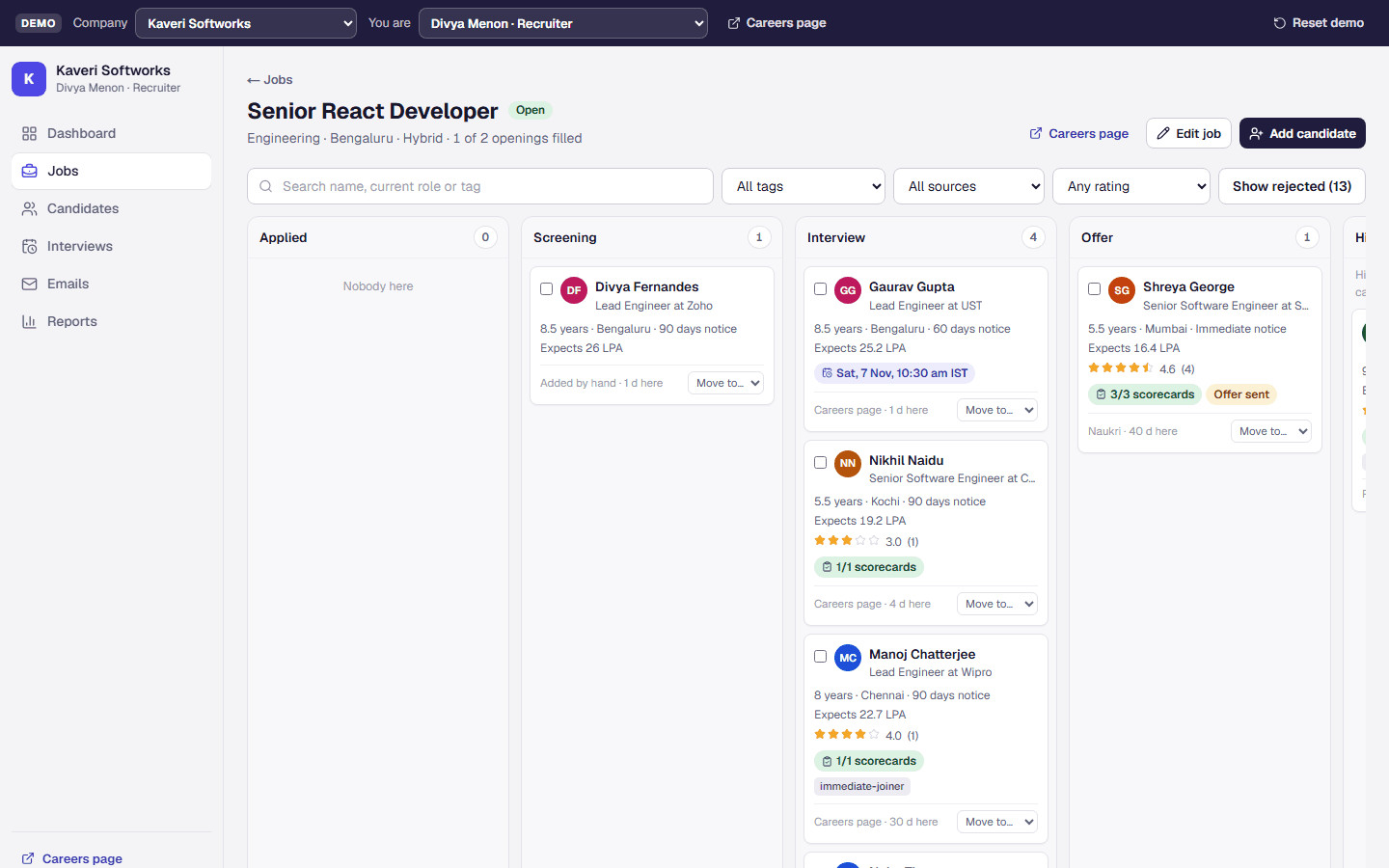
Recruitment and applicant tracking
Hiring for any number of companies: jobs, a careers page with CV upload, a drag-and-drop pipeline, interviews with scorecards, emails, and offers with a CTC breakdown.
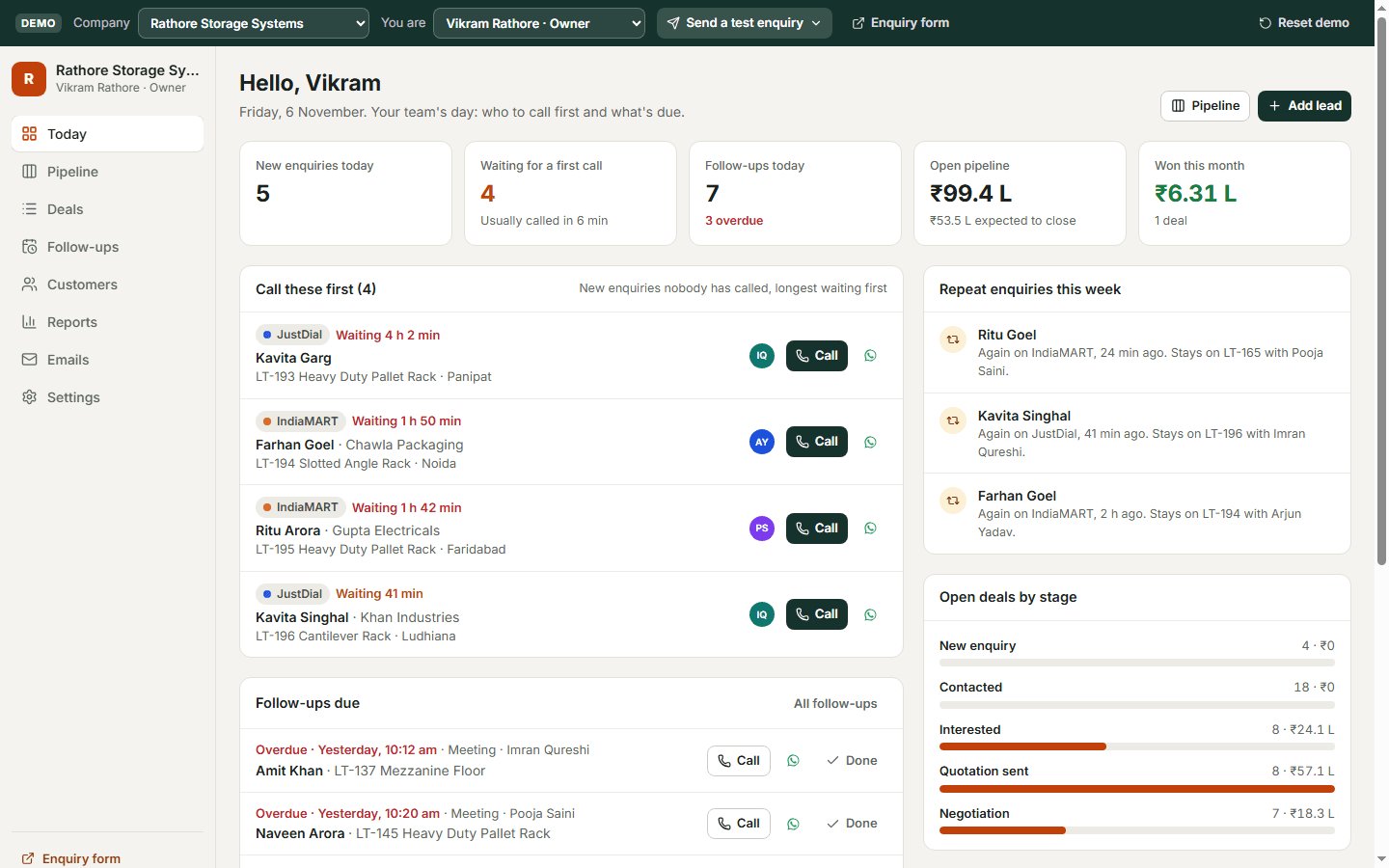
Sales CRM
A sales CRM for any number of companies: enquiries from IndiaMART, JustDial, Facebook and the website, a repeat check on every mobile number, follow-ups, WhatsApp templates, a drag-and-drop pipeline, and one-click invoices in Billcraft.
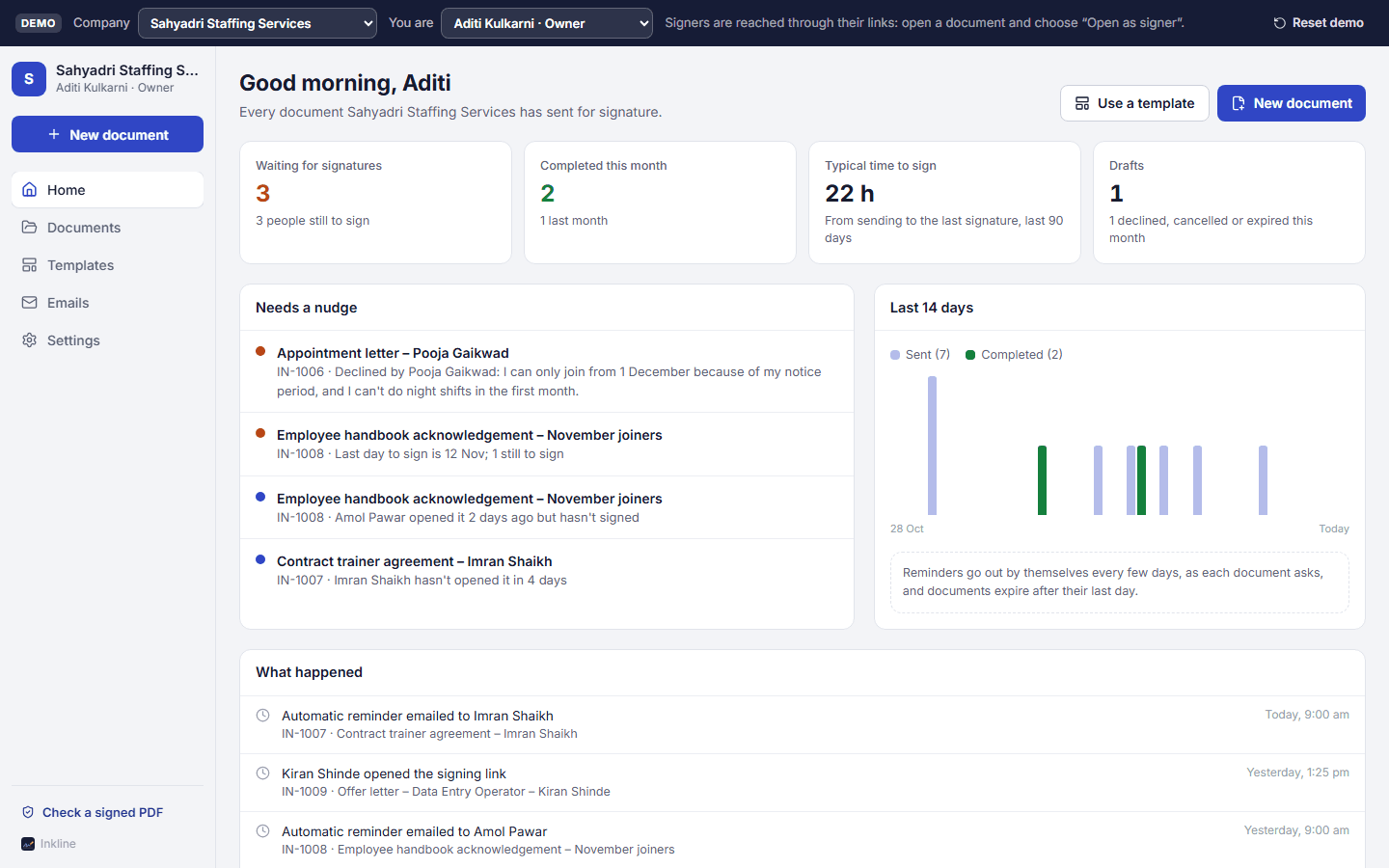
E-signature
E-signature for any number of companies: upload a PDF, place signature boxes, send a link; each person signs on their phone after a one-time code, and everyone gets the signed PDF with a certificate of who signed, when and from where.
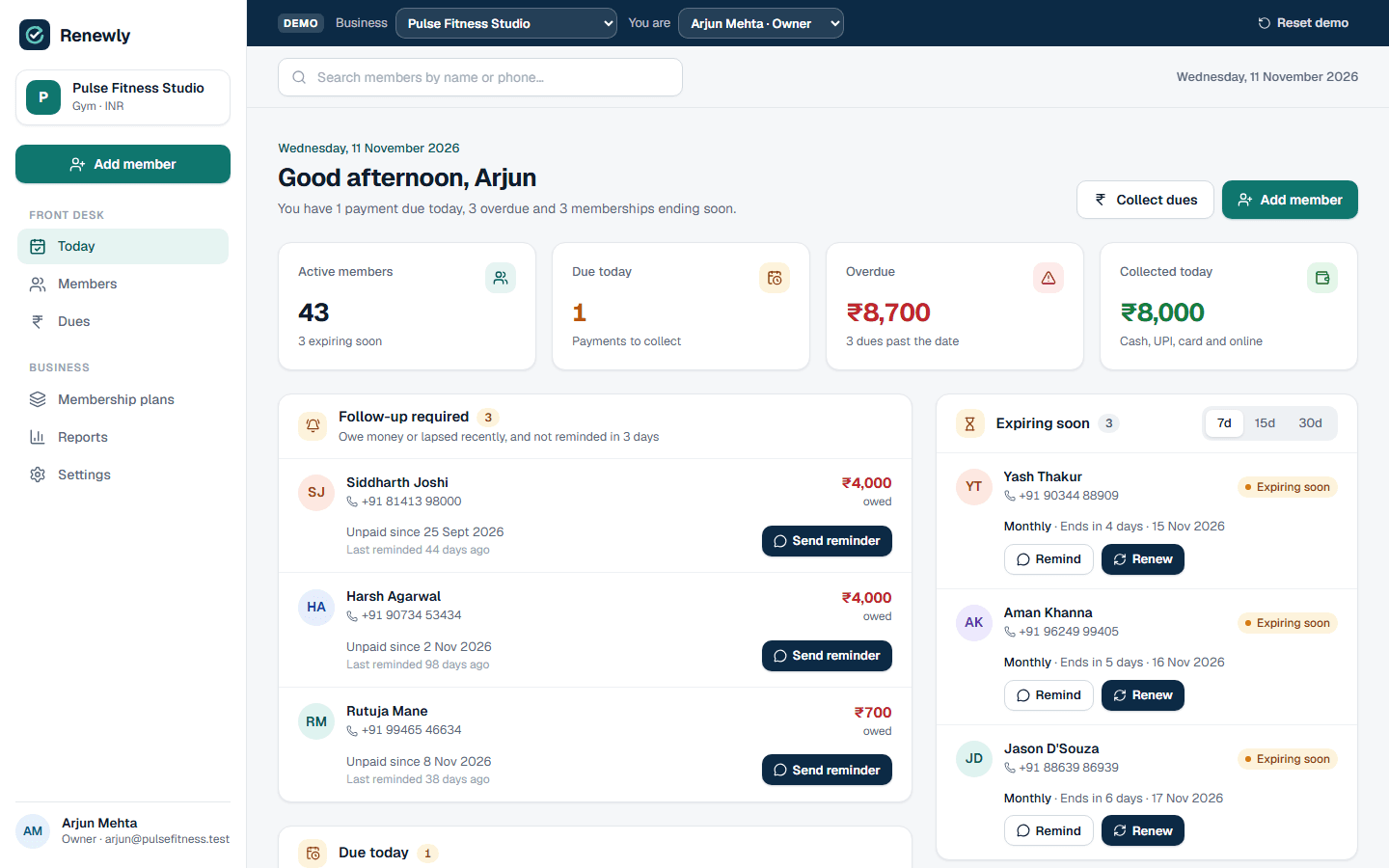
Membership management
Memberships and fees for gyms, studios, dance academies and coaching classes: members and plans, part payments with receipts, renewals and pauses, WhatsApp reminders, Razorpay payment links, and a Today screen of who to collect from and who to renew.
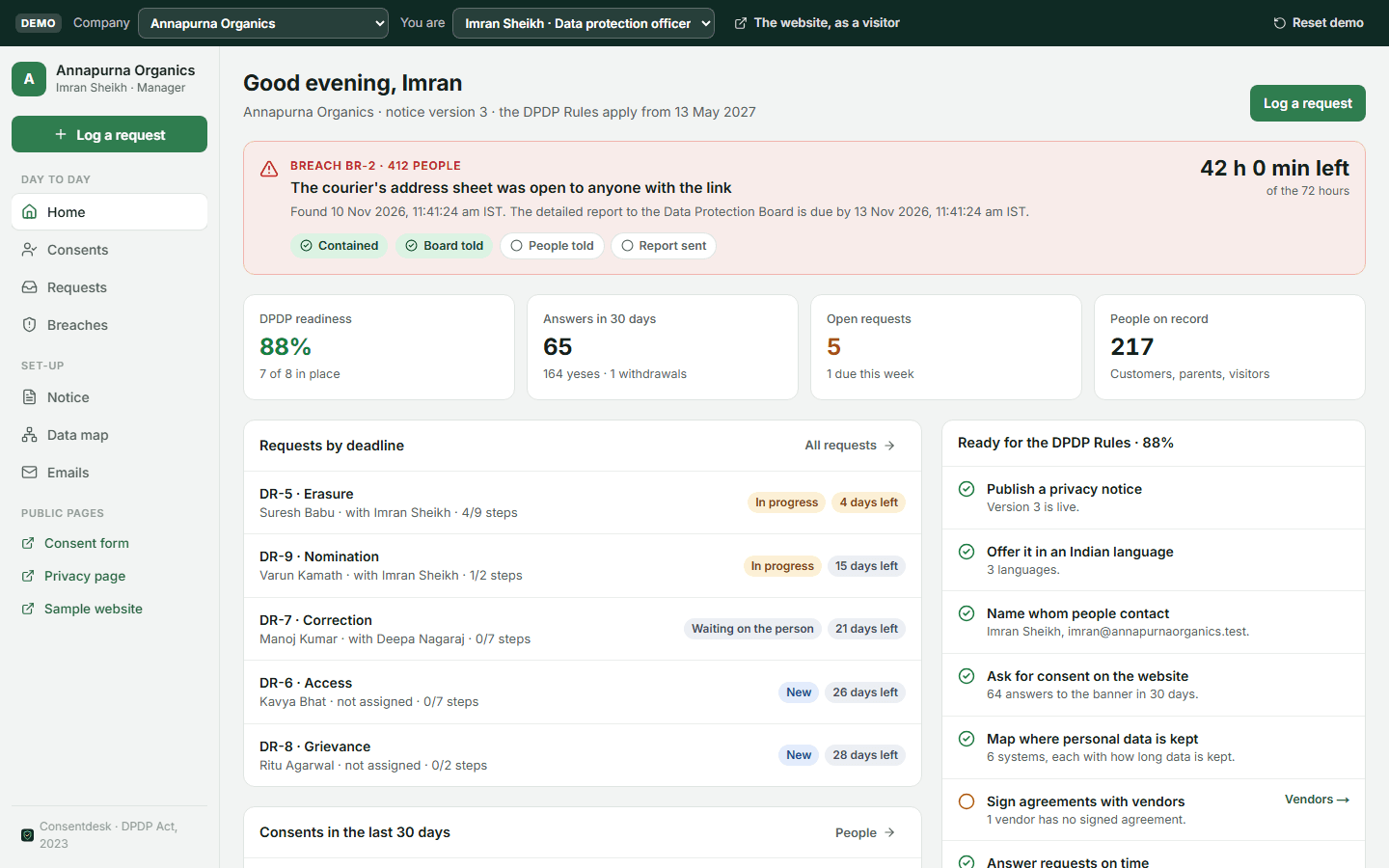
DPDP privacy and consent
Privacy and consent for India's DPDP Act and Rules: a notice in English and Indian languages, a consent banner and form (a parent's email code for under-18s), a receipt for every answer, a privacy page where people withdraw consent or ask to see, correct or erase their data, requests with deadlines, a 72-hour breach register, and a data map with vendors.