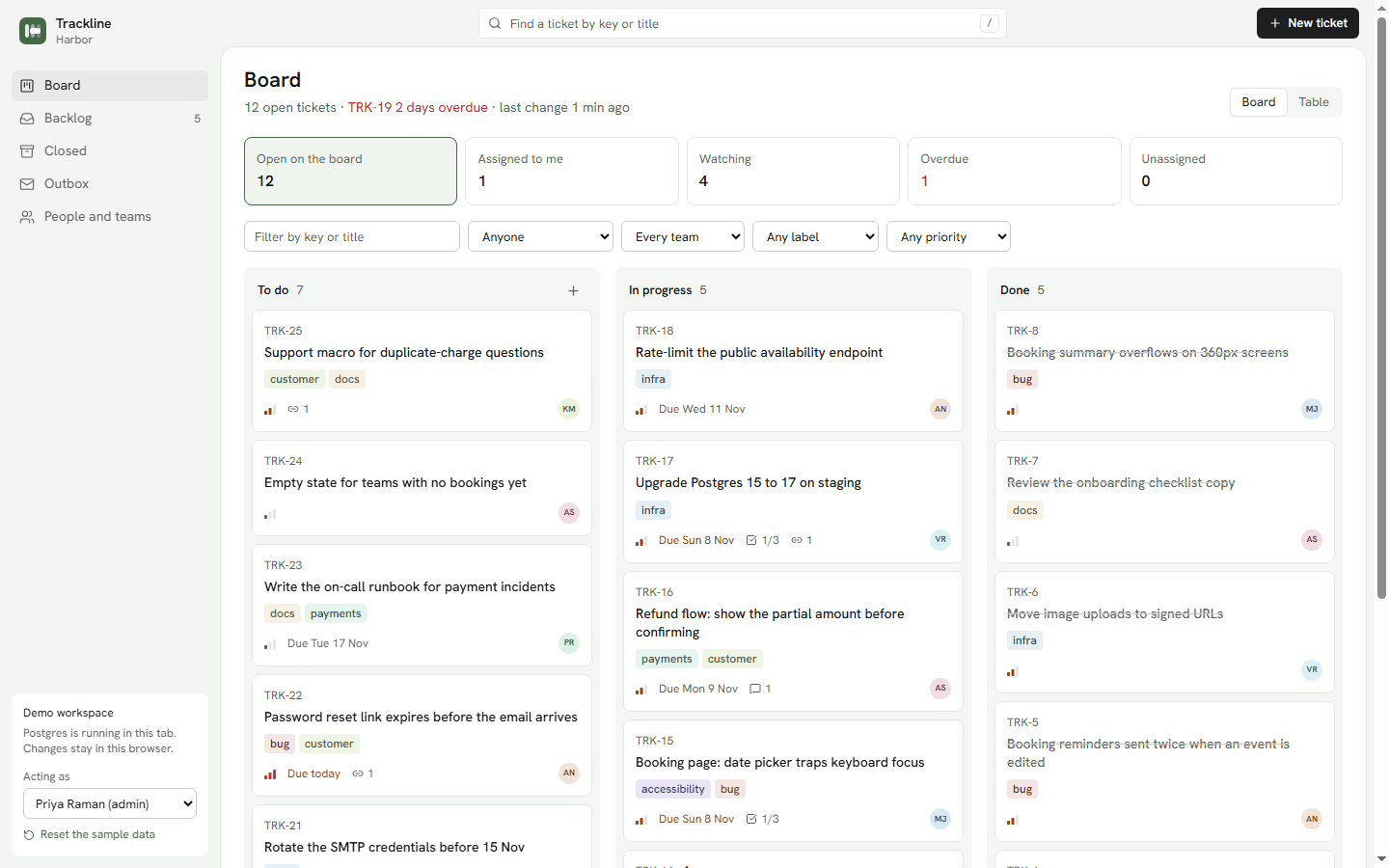
Trackline
Ticket tracker
A team ticket tracker with subtasks, notes, watchers, linked tickets and the emails it sends.
- Next.js 16
- React 19
- TypeScript
- PostgreSQL
- Files
- 54
- Lines
- 6,345
- Source
- ₹12,499
E-signature for any number of companies: upload a PDF, place signature boxes, send a link; each person signs on their phone after a one-time code, and everyone gets the signed PDF with a certificate of who signed, when and from where.
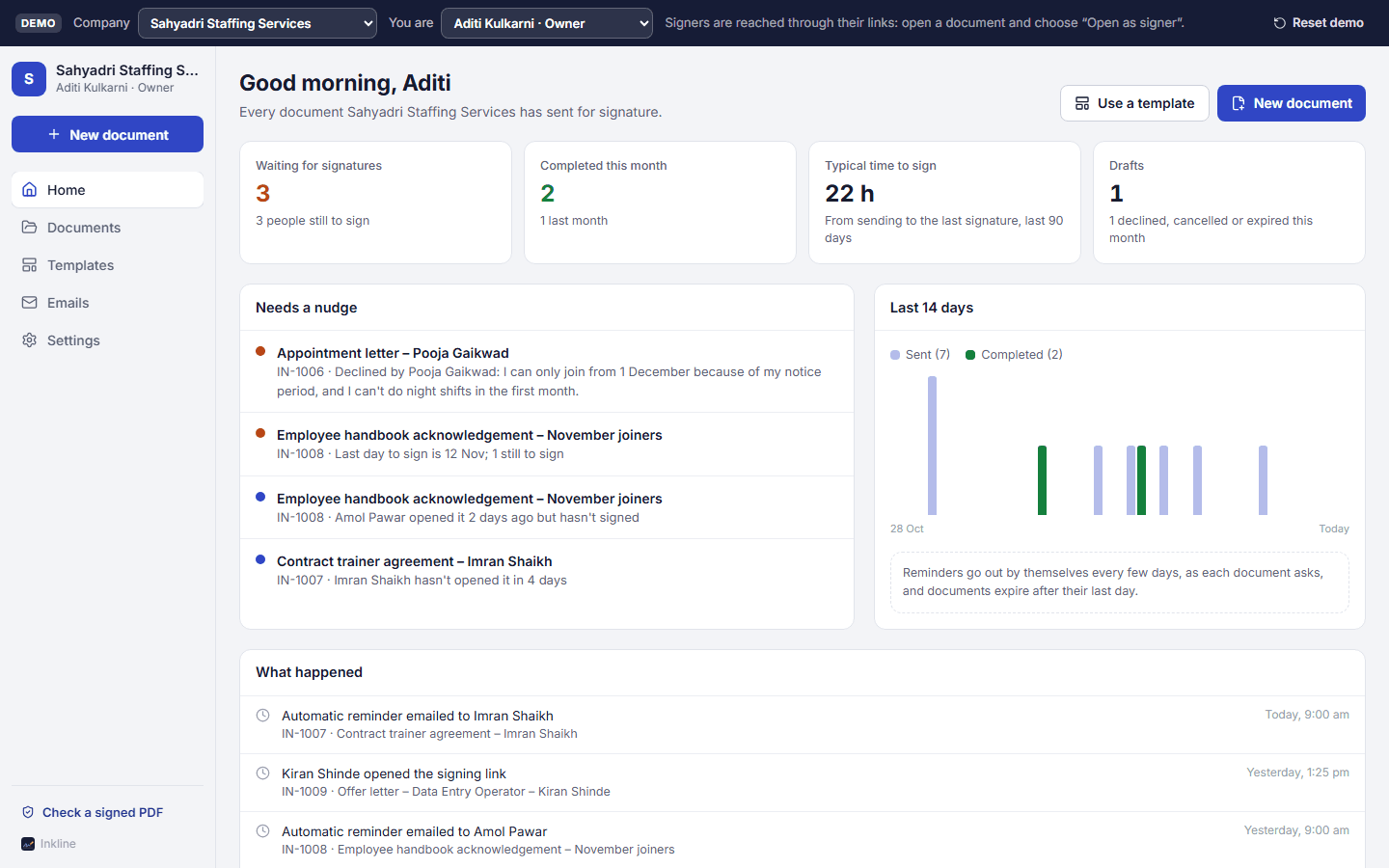
Home: waiting, completed, what needs a nudge
1 / 6
HR teams and staffing companies
Offer letters, appointment letters, NDAs and handbook acknowledgements signed in minutes on the candidate's phone, with proof of who signed and when, instead of print, sign, scan and courier.
CA firms, law firms and consultants
Engagement letters, representation letters and client consents signed from anywhere, with a certificate the client and auditors can check, and templates for the letters sent every year.
Agencies and developers
Run a separate company per client from one installation, sell it as your own e-sign service, or plug it into your HR or billing app: one call makes a draft from any PDF.
Live now
Try it before you download it. Sahyadri Staffing Services in Pune, after six weeks of offer letters, NDAs, a manpower agreement and a handbook acknowledgement: some signed, one declined, one cancelled, one expired, three waiting. Open any document and choose “Open as signer” to sign it as that person; the code they'd get by email is shown. A CA firm in Ahmedabad is one switch away. No sign-up.
Home
Waiting, completed, the typical time to sign, and what needs a nudge.
Open homeDocuments
Every document with who has signed; open one to sign as a signer.
Open documentsNew document
Upload a PDF or start from a template, add signers, place their boxes, send.
Open new documentTemplates
An NDA and a handbook acknowledgement with their boxes placed for roles.
Open templatesEmails
Signing requests, one-time codes, reminders and finished copies.
Open emailsVerify a PDF
The public check: drop a signed PDF to see who signed it, or that it was changed.
Open verify a PDFNo password in the demo. The bar at the top switches company and person, or starts a company of your own. Signers have no account: “Open as signer” on a document opens their private page.
Aditi Kulkarni
Owner, Sahyadri Staffing Services
Every document, the templates, the team and the company's colour and defaults.
Rohan Deshpande
Manager (HR)
Every document in the company: offer letters he sent, and everyone else's.
Sneha Patil
Member (Recruiter)
Only the documents she sent, and the company's templates.
Nikhil Mehta
Owner, Mehta & Iyer Associates
A separate company: a CA firm's engagement letters, a representation letter and an ITR authorisation with PAN and a tick box.
Postgres runs in your tab and keeps your changes in this browser; signed PDFs are made right there. Emails stay in the outbox. “Reset demo” in the bar starts over.
On your own machine
npm installSEED_PASSWORD=choose-a-password npm run db:seednpm run devThen sign in with the sample admin:
Username
Password
choose-a-passwordOr whatever you set SEED_PASSWORD to. On Windows PowerShell: $env:SEED_PASSWORD="choose-a-password"; npm run db:seed
Without the seed, the first visit asks you to create your company. Upload a PDF, add yourself as a signer and send it; with no mail service the signing link and code are in Emails.
Grouped by where the work happens.
Exact versions, because that is the first thing a developer checks.
inkline.zip, 185 KB: the whole project as it unzips, counted from the zip itself.
Contracts made electronically are recognised under the Information Technology Act, 2000, and Inkline keeps the evidence: who signed, the one-time code check, the time, IP address and device, and a fingerprint that shows the PDF wasn't changed. The Act leaves out wills, powers of attorney, trust deeds, property sale deeds and negotiable instruments other than cheques; the app says so when sending. Where a document needs a signature listed in the Act's Second Schedule (Aadhaar eSign), the README shows where a licensed eSign provider plugs in. For anything high-stakes, ask your lawyer.
Each signer has a private link. With the code check on (the default), the document opens only after they type a 6-digit code sent to their email (and to their mobile, with an SMS gateway). The code works for 10 minutes and 5 tries, is stored only as a hash, and is hidden from the sender's outbox once emails really go out. The certificate shows when each code was checked.
The document's name and reference, the SHA-256 fingerprint of the PDF as sent, who sent it and when, the signing order, how identity was checked; then each signer with their email, masked mobile, signing time, code-check time, IP address, browser and device, and their signature; then every event in order. A small reference line on every page ties the pages to it.
Yes, on the public verify page. It fingerprints the PDF in the visitor's browser (the file isn't uploaded) and says whether it is exactly the signed copy, with who signed and when, or the unsigned original, or no match, which is what a copy changed after signing gives.
Fix email corrects it and resends; the old link stops working. Reminders go out by themselves every few days (up to five), Remind sends one now, and WhatsApp opens a chat on the signer's number with the link typed. Home lists links nobody opened and documents close to their last day.
Yes. Every sign-up is a separate company with its own documents, templates and team, and every query is scoped to it. Set SIGNUP=closed to stop new companies.
Ticket tracker
A team ticket tracker with subtasks, notes, watchers, linked tickets and the emails it sends.
Meeting scheduler
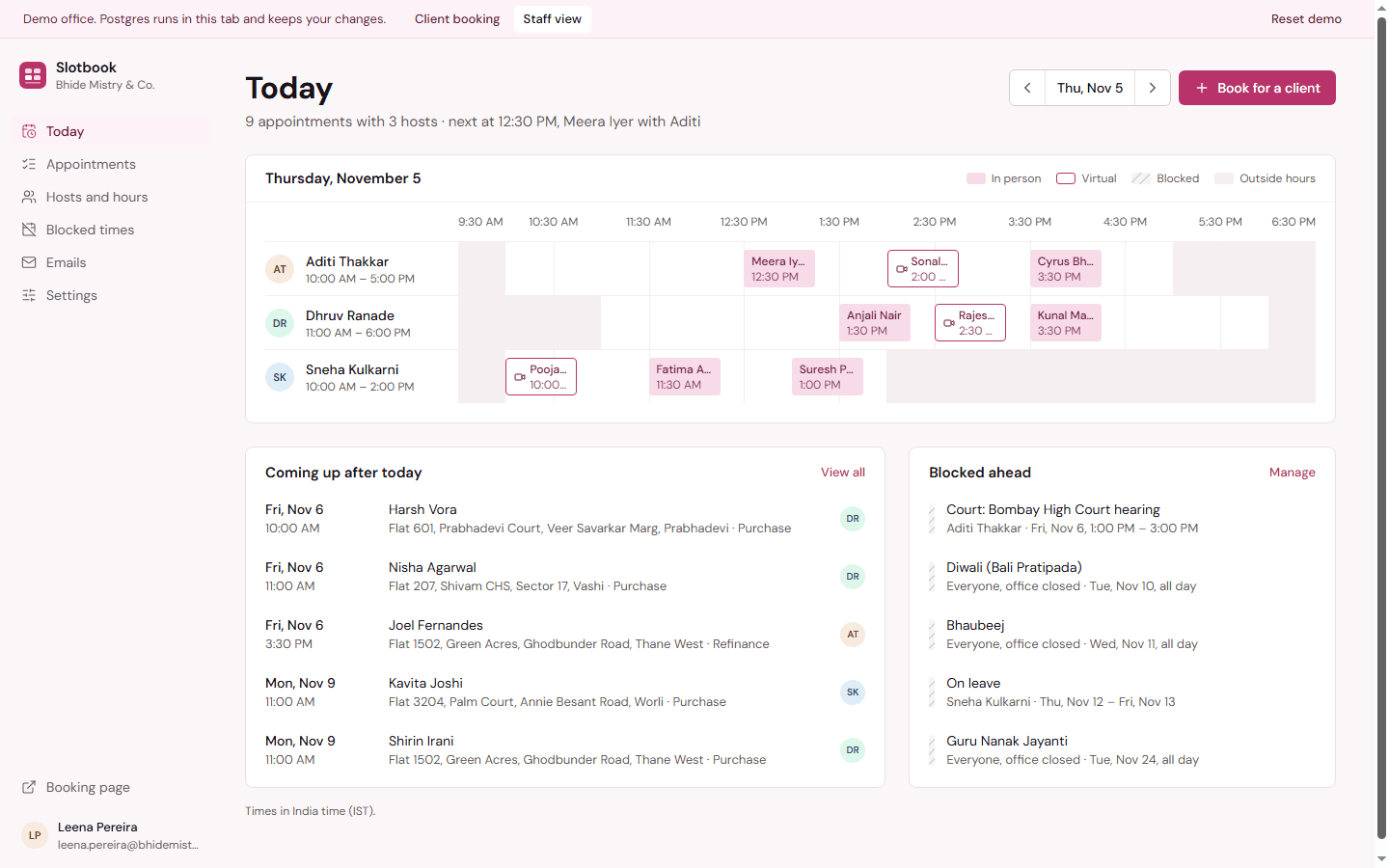
Clients pick a person, a day and a free time; staff see every host's day on one board.
Form builder
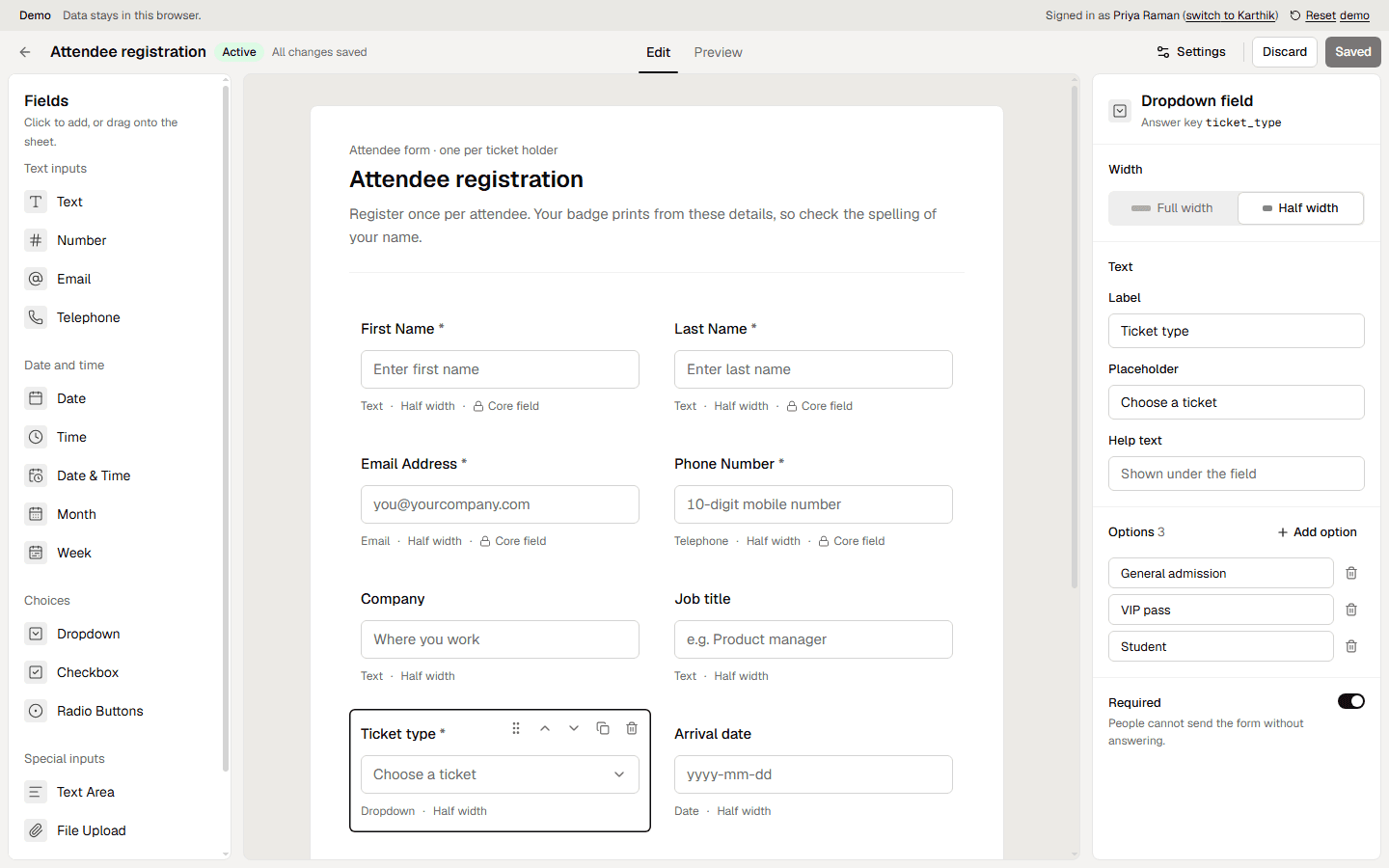
Build registration forms from a palette of fields, publish a link and read the responses.
Project chatbot
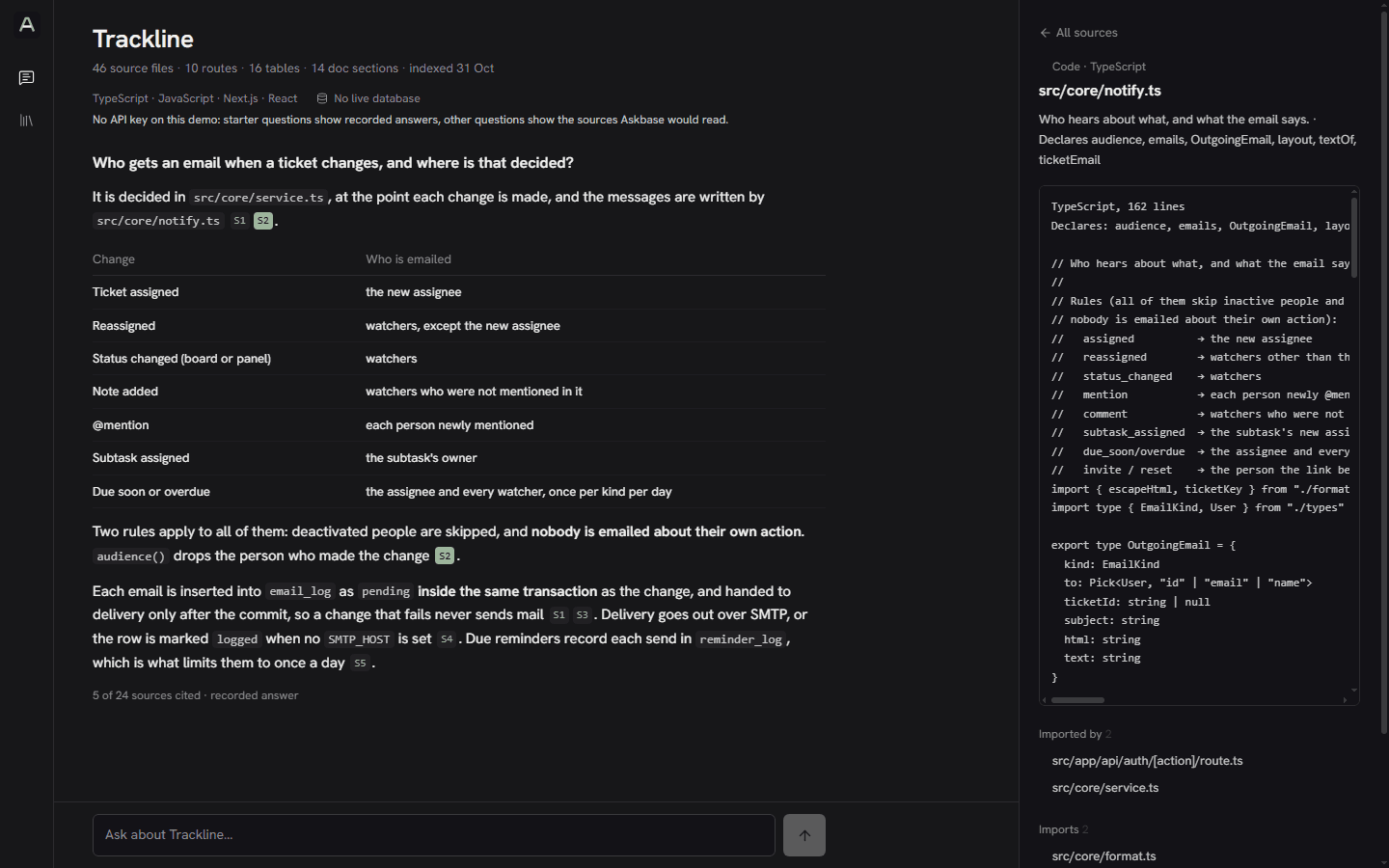
Ask any codebase how it works, and get answers that cite the files they came from.
KYC verification
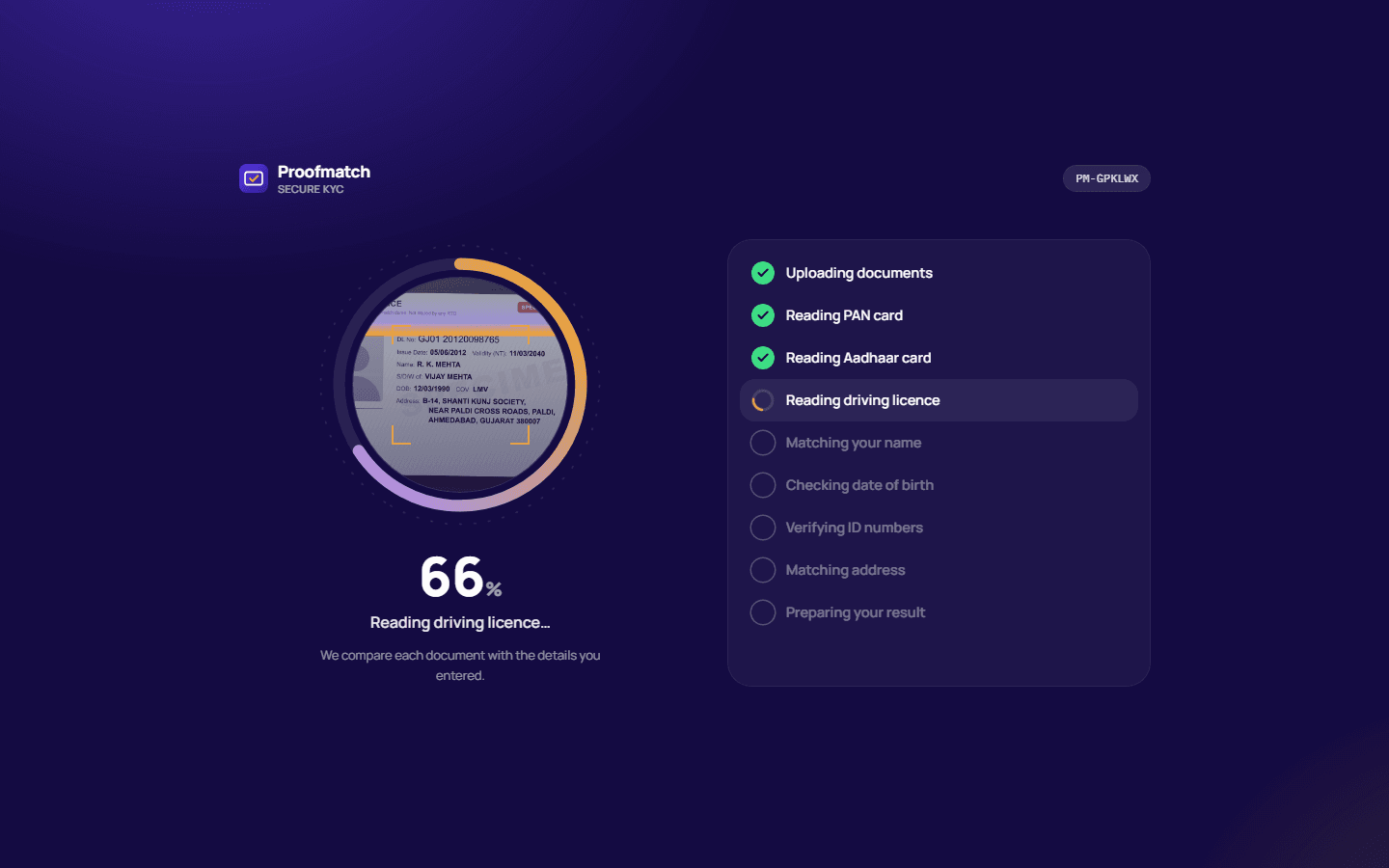
A KYC form for India that reads each PAN, Aadhaar and driving licence and checks it against what the applicant typed.
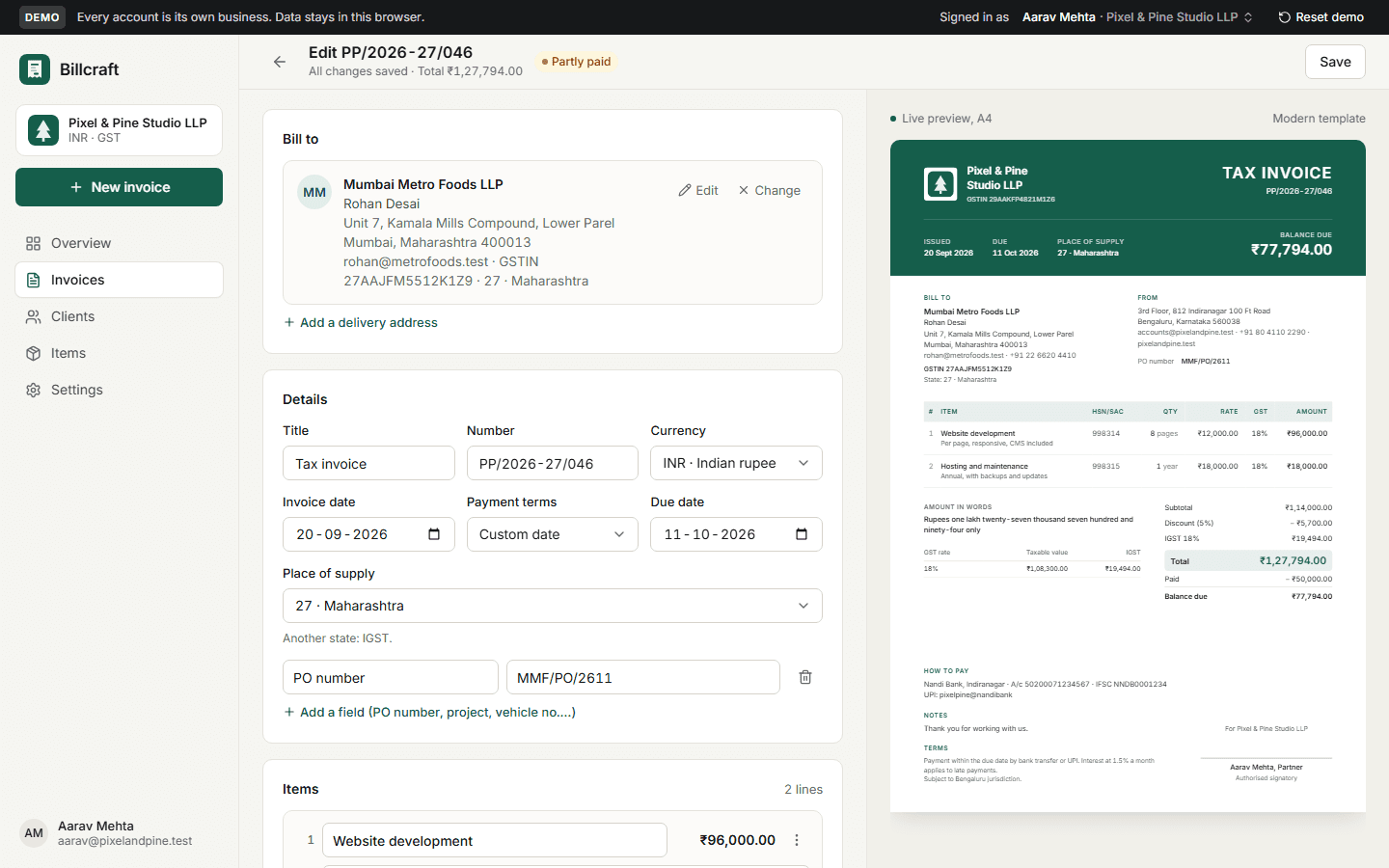
Invoice generator
GST invoices for any business: CGST + SGST or IGST, HSN/SAC, rupees in lakh and crore, three designs, a client link, payments and PDF.
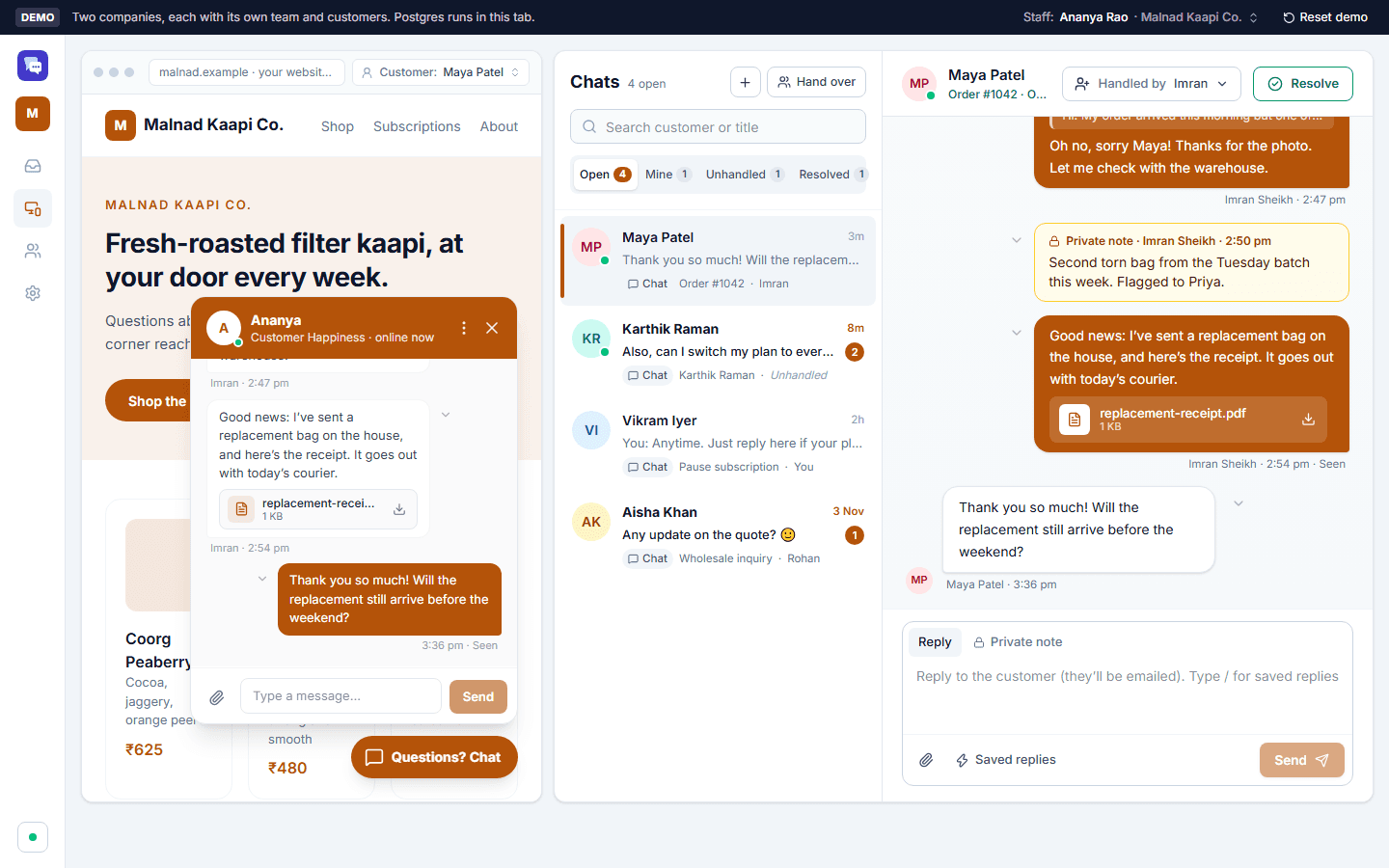
Live chat
Live chat for any number of companies: a chat button for each company's site and a shared inbox for its team.
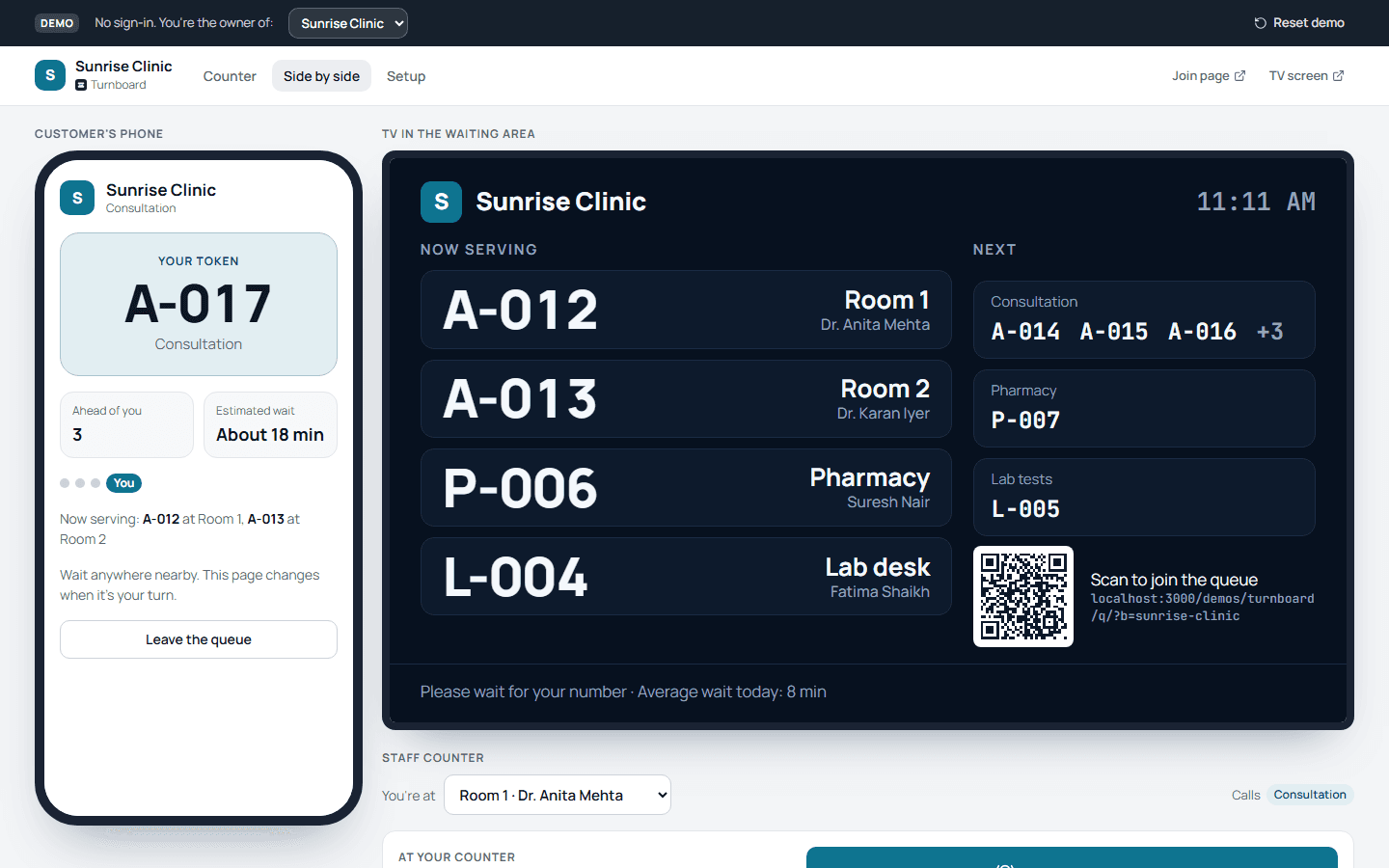
Walk-in queue
A walk-in queue: customers take a token on their phone, staff call the next person with one tap, and a TV shows who is being served where.
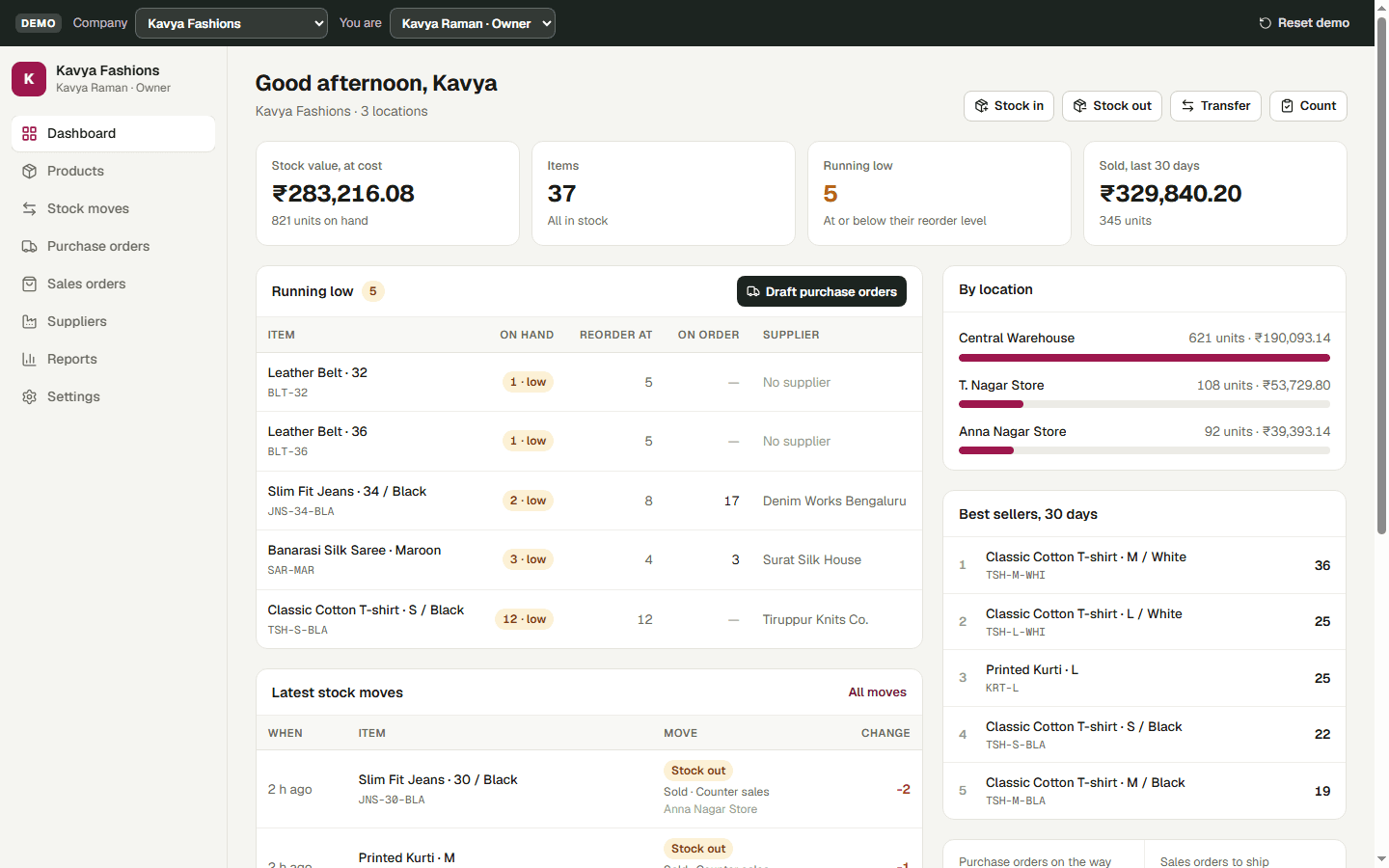
Inventory and stock
Inventory for any number of companies: products with variants, several warehouses and shops, stock moves with full history, reorders, purchase and sales orders, and reports.
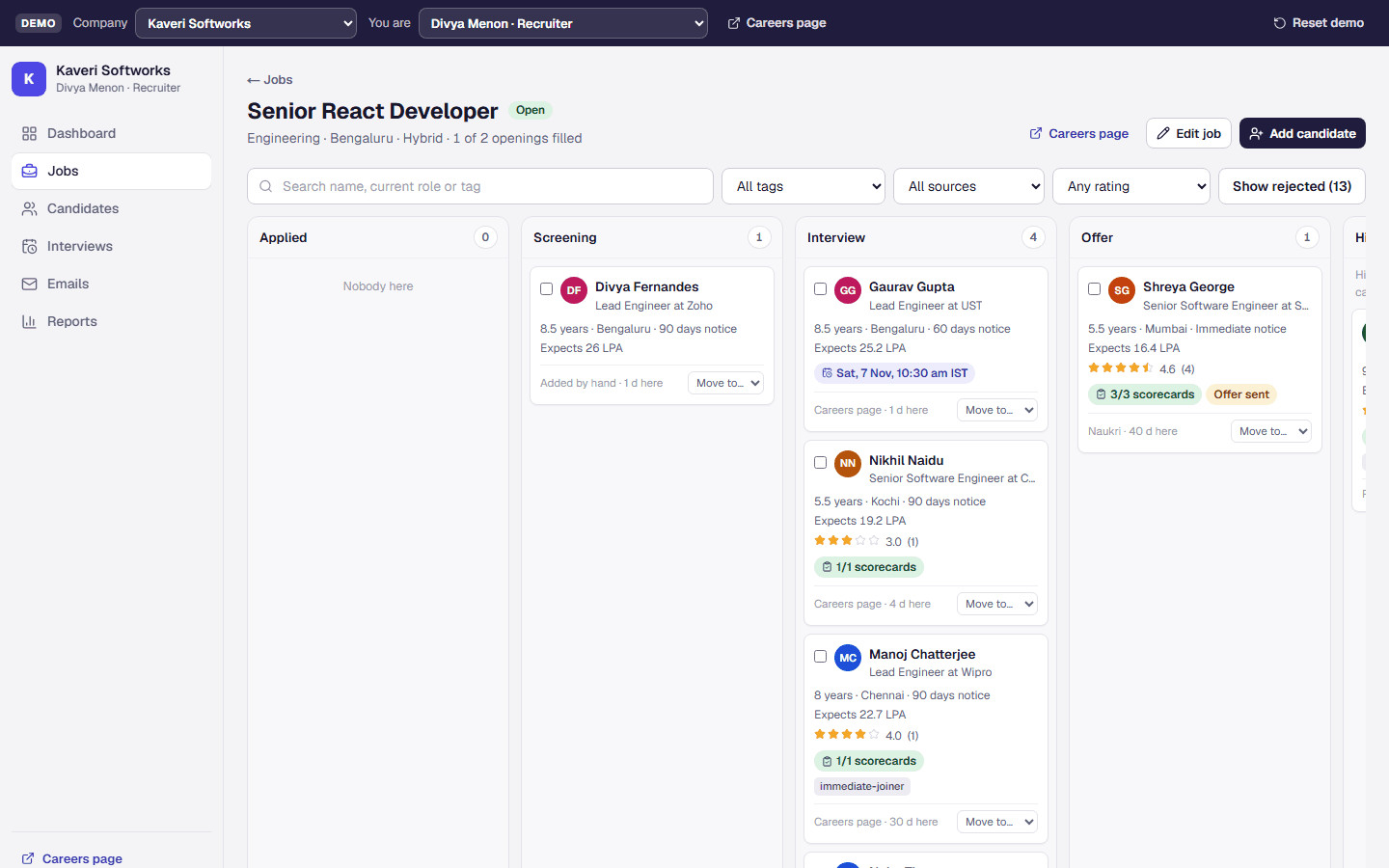
Recruitment and applicant tracking
Hiring for any number of companies: jobs, a careers page with CV upload, a drag-and-drop pipeline, interviews with scorecards, emails, and offers with a CTC breakdown.
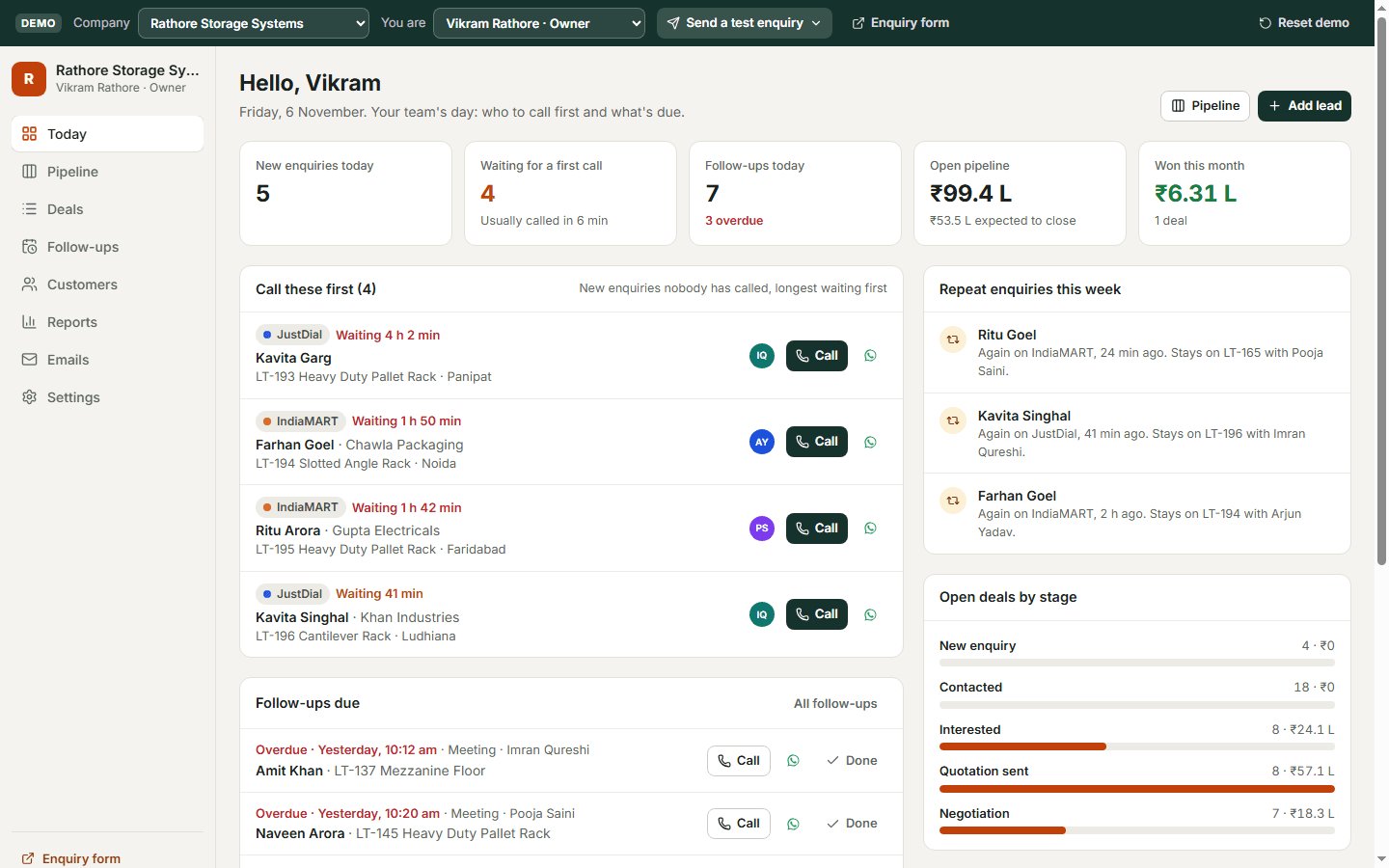
Sales CRM
A sales CRM for any number of companies: enquiries from IndiaMART, JustDial, Facebook and the website, a repeat check on every mobile number, follow-ups, WhatsApp templates, a drag-and-drop pipeline, and one-click invoices in Billcraft.
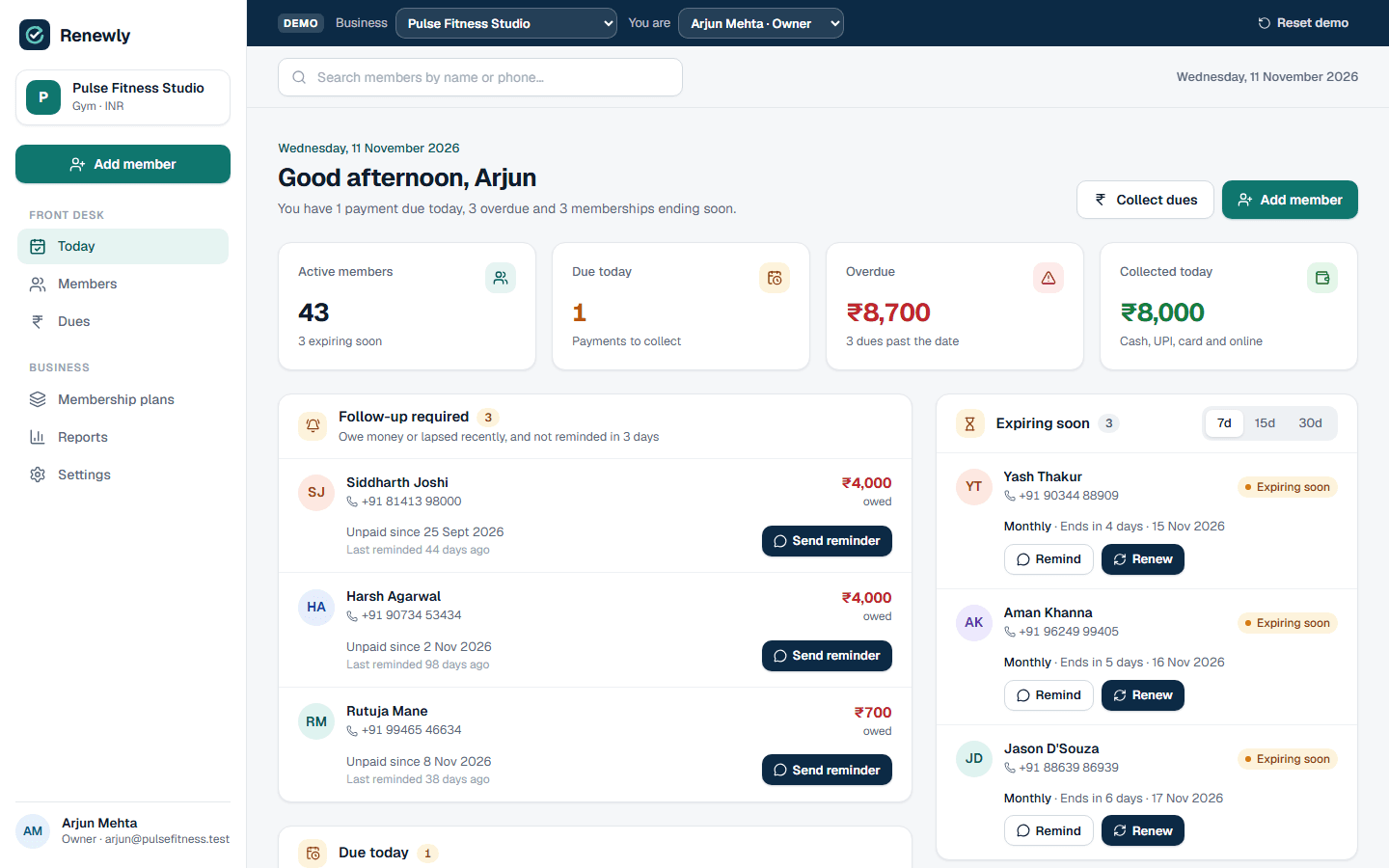
Membership management
Memberships and fees for gyms, studios, dance academies and coaching classes: members and plans, part payments with receipts, renewals and pauses, WhatsApp reminders, Razorpay payment links, and a Today screen of who to collect from and who to renew.
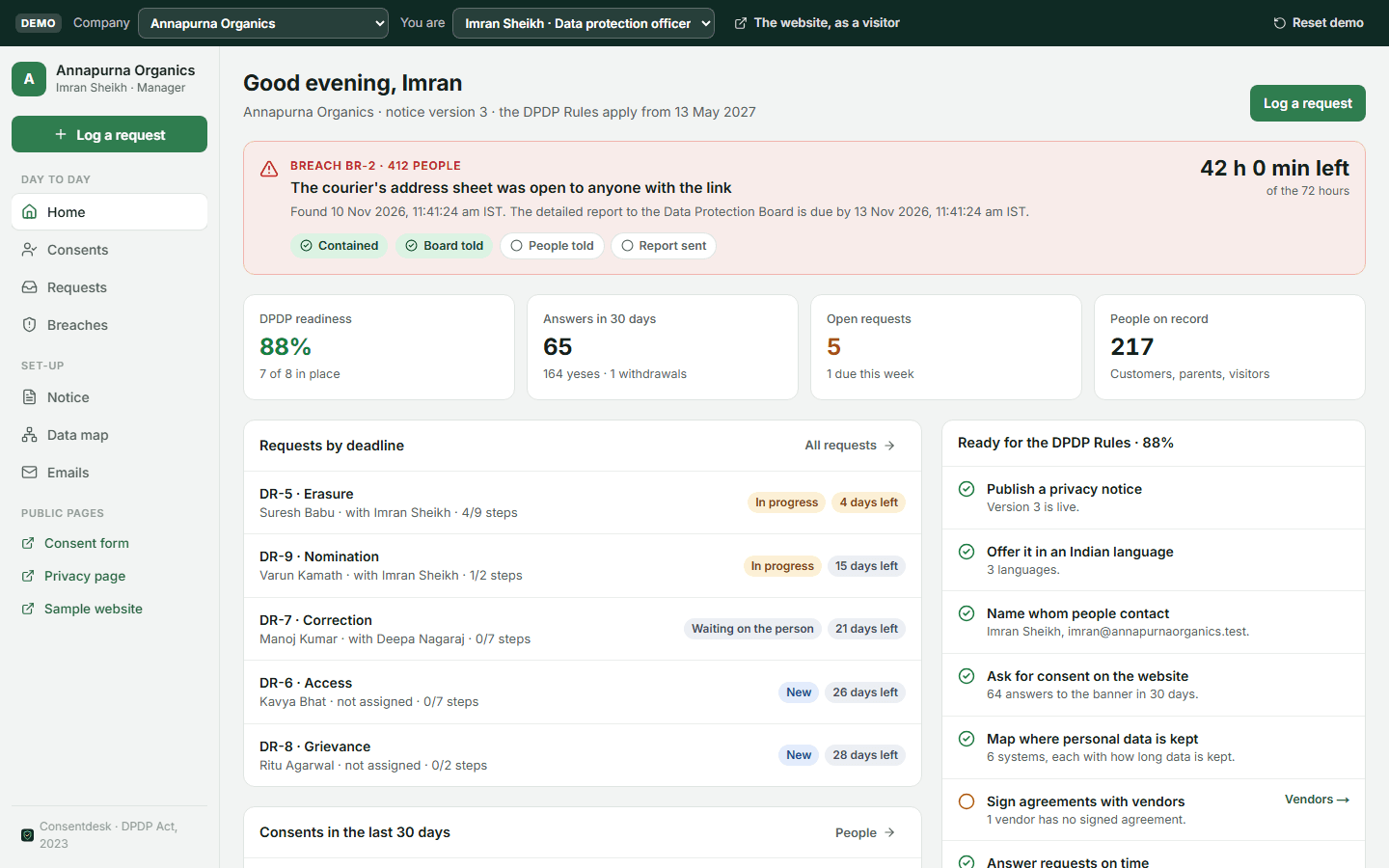
DPDP privacy and consent
Privacy and consent for India's DPDP Act and Rules: a notice in English and Indian languages, a consent banner and form (a parent's email code for under-18s), a receipt for every answer, a privacy page where people withdraw consent or ask to see, correct or erase their data, requests with deadlines, a 72-hour breach register, and a data map with vendors.