

How to Build a Mercari-Like Resale App in 7 Days: A Step-by-Step E-Guide for 2026
Launch your own Mercari-like resale marketplace in 7 days with Cloneifypro’s ready-made clone script. Get a step-by-step plan, key features, monetization models and launch tips for 2026. .
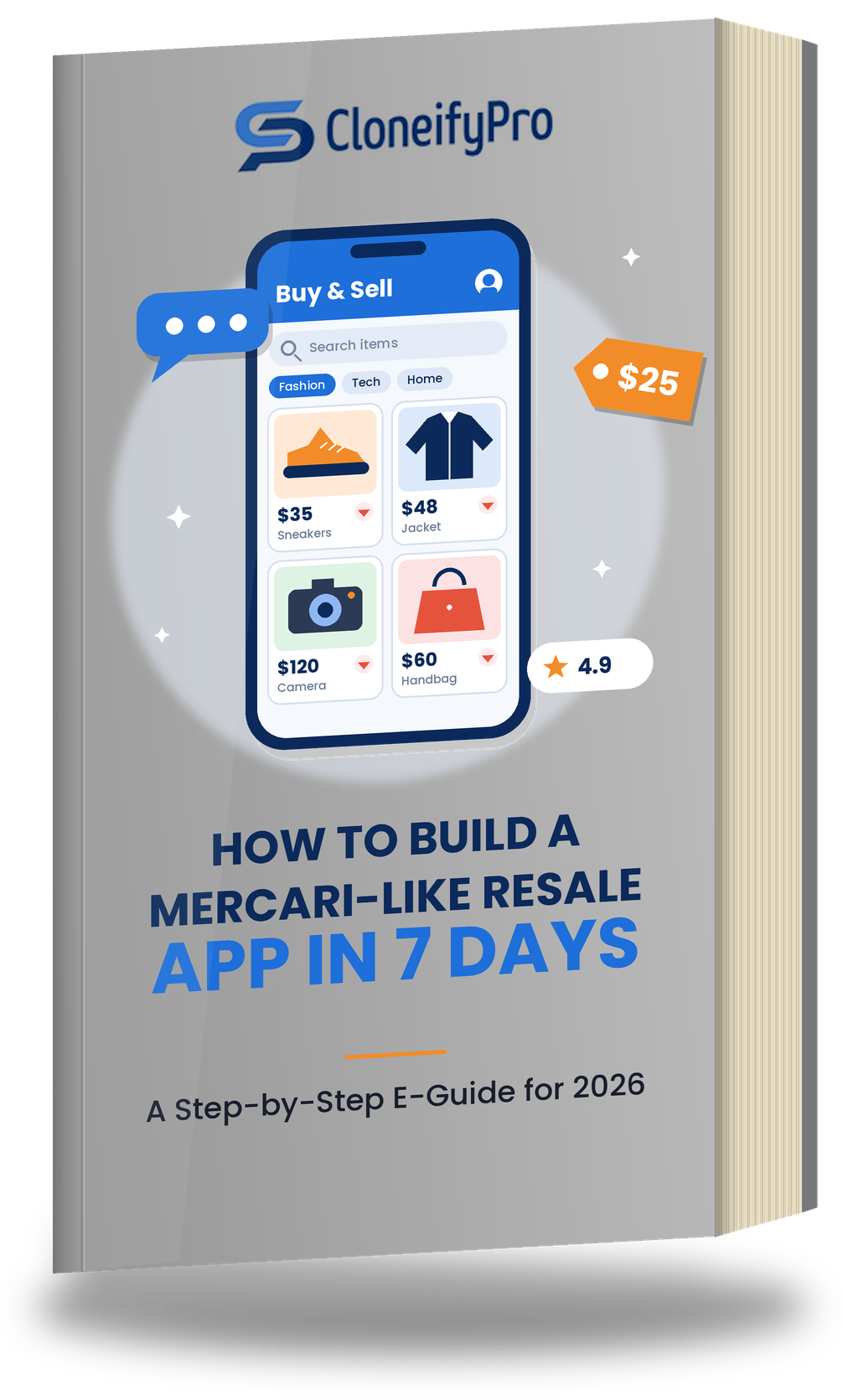
You can launch a Mercari-like resale app in about 7 days if you start from a ready-made, tested Mercari clone script instead of coding from scratch. In that week you select the script, apply your branding, configure payments, shipping and commissions, test the core flows, and deploy. App store review, custom add-ons and marketing happen on top of that timeline.
-
A Mercari clone script gives you pre-built listings, chat, search, payments and an admin panel, so you configure rather than build.
-
A 7-day launch is realistic for a customized script with standard features. Heavy custom development extends it.
-
Your niche, trust features and monetization model decide whether the app grows, not the launch speed alone.
-
Never copy another brand's name, logo or content. Build your own identity on a proven marketplace model.
What Is a Mercari-Like Resale App?
A Mercari-like resale app is a peer-to-peer marketplace where individuals list pre-owned items such as fashion, electronics, collectibles, home goods and beauty products, and other users buy them in a few taps. Mercari, the Japan-founded marketplace, popularized this simple model: take photos, set a price, chat with buyers, ship and get paid.
A Mercari clone script is a pre-built software package that reproduces this core functionality. It includes the buyer and seller apps (Android, iOS and web) and an admin dashboard. You then customize the branding, categories, fees and workflows to create your own marketplace, not a copy of someone else's.
Why Use a Clone Script Instead of Building From Scratch?
Building a resale marketplace from zero means designing the database, coding the apps, integrating payments, building chat, testing security and fixing bugs. For most startups that takes months and a sizeable budget before a single user signs up.
A clone script shortens that path:
-
Speed: The tested core is ready, so your team works on configuration and differentiation.
-
Lower risk: The features have already been used in real deployments, so fewer surprises appear after launch.
-
Predictable cost: You customize a finished product instead of funding open-ended development.
-
Focus: You spend your energy on sellers, buyers and marketing, which is where marketplaces are actually won or lost.
The trade-off is that a script gives you a strong starting point, not a finished brand. The sections below show how to close that gap quickly.
Is a 7-Day Launch Really Realistic?
Honesty matters here, because timelines vary. Cloneifypro's Mercari clone script is built to go live in 7 days or less when the project uses the standard feature set. Your timeline depends on three things:
-
Scope: Branding, categories, fees and payment setup fit comfortably in a week. A new feature such as live video selling adds time.
-
Readiness: Having your logo, colors, payment accounts and category list ready before day 1 removes most delays.
-
Store approvals: Apple and Google review times sit outside any developer's control, so plan for them separately.
Treat "7 days" as the time to a working, branded, tested marketplace ready for submission and launch.
Before Day 1: Your Preparation Checklist
Teams that launch fastest decide these items first:
-
Niche and audience: General resale, or a focus such as sneakers, baby items or vintage fashion?
-
Brand assets: Name, logo, color palette and app icon.
-
Business model: Commission rate, listing fees, featured listing prices or seller subscriptions.
-
Payment gateways: Merchant accounts for the regions you serve.
-
Shipping approach: Seller-arranged shipping, prepaid labels or local pickup.
-
Legal basics: Terms of service, privacy policy and a prohibited-items list.
The 7-Day Plan, Step by Step
Day 1: Choose and install your script. Review the demo, confirm the feature list covers your needs, and have the development team install the Mercari clone script on your server or cloud setup. Agree the scope in writing.
Day 2: Apply your branding. Replace the logo, colors, typography, splash screens and app icon. Update the app name and store listing text. A distinct identity matters for user trust and for avoiding any confusion with existing brands.
Day 3: Configure categories, user roles and fees. Create your category tree, item condition options and seller roles. Set commission percentages, featured listing prices and any subscription tiers in the admin panel.
Day 4: Set up payments and shipping. Connect your payment gateways, enable transaction tracking and automated receipts, and define shipping methods. Run test transactions with small amounts to confirm the full money flow, including refunds.
Day 5: Customize and add differentiators. Add the extras that fit your niche, such as language options, notification rules, moderation tools or marketing features. Keep this list short during the first week.
Day 6: Test everything. Check registration, login, listing creation, image upload, search and filters, chat, offers, checkout, notifications, ratings and the admin dashboard on real Android and iOS devices. Test slow connections too. Fix bugs before moving on.
Day 7: Deploy and submit. Move to the live environment, enable SSL, confirm backups, and submit the apps to Google Play and the Apple App Store. Publish your web version at the same time so early users can start immediately.
Core Features Your Resale App Needs
Buyers choose a resale marketplace when it feels easy and safe. These features make that possible:
-
Registration and login by email, phone number or social account, with password recovery.
-
Smart search and filters by keyword, category, location, price and condition.
-
Product listing management with multiple photos, descriptions, categories and editing at any time.
-
Real-time in-app chat with push notifications, image sharing and saved conversation history.
-
Secure payments through multiple gateways with an encrypted checkout.
-
Ratings and reviews so reliable sellers build visible reputations.
-
Wishlists, price drop alerts and offer reminders that bring users back.
-
Order management and seller profiles for clear tracking from sale to delivery.
-
A powerful admin panel to manage users, listings, payments and site settings in one dashboard.
How Your Resale Marketplace Makes Money
A marketplace earns when transactions happen, so choose a model that matches your audience:
-
Commission per sale: A percentage of each completed transaction. It is the most common and scales with your growth.
-
Featured listings: Sellers pay to place items at the top of search results or category pages.
-
Seller subscriptions: Power sellers pay a monthly fee for lower commissions or extra tools.
-
Promotional campaigns and ads: Brands or sellers pay for banners and sponsored placements.
Start with one or two models. Introducing too many fees on day one can discourage the early sellers you need most.
Building Trust: Security and Compliance
Trust is the real product in a peer-to-peer marketplace. Strangers will only trade if the platform feels safe.
-
Protect data: Use SSL, data encryption and secure payment gateways. Cloneifypro builds these protections into its Mercari clone script.
-
Moderate listings: Publish a prohibited-items list and use the admin tools to review reported content quickly.
-
Be clear about rules: State fees, refund handling and dispute steps in plain language.
-
Respect privacy laws: Depending on your market, requirements such as GDPR or local data protection rules may apply. Confirm your obligations with a qualified legal professional.
-
Respect intellectual property: Use your own brand name, design and content. A clone script reproduces a proven model, not another company's brand.
Common Mistakes to Avoid
-
Launching without a niche. General marketplaces compete with giants. A focused community is easier to win.
-
Skipping real-device testing. Emulators miss problems that users find within minutes.
-
Overloading version one. Launch with the essentials and add features based on user feedback.
-
Ignoring the supply side. Without good listings, buyers leave. Recruit your first sellers before launch.
-
Forgetting post-launch support. Bugs, updates and server performance need an owner after day 7.
-
Underestimating marketing. Even a great app needs social media, local SEO, referrals and partnerships to be found.
After Launch: Your First 30 Days
Launch day is the starting line. In the first month, seed the app with listings by inviting sellers personally, offer reduced fees as an early-adopter incentive, and track listings per seller, search-to-chat rate, completed sales and repeat buyers. Use that data to fix friction, then plan upgrades. Reliable post-launch technical support for bug fixes, updates and performance improvements makes this phase far less stressful.
Why Build With Cloneifypro?
Cloneifypro, part of Blazingcoders, provides ready-to-deploy marketplace scripts for startups and businesses. Its Mercari clone script supports Android, iOS and web, ships with complete source code and documentation, and includes real-time chat, location-based search, secure payment gateways, ratings, notifications and an advanced admin panel. The development team handles installation, customization, optimization and deployment, and offers dedicated post-launch support. You can review the product and request a live walkthrough on the Mercari clone script page before making a decision.
Final Thoughts
A Mercari-like resale app no longer requires a year of development. With a tested clone script, a clear niche and a disciplined 7-day plan, you can have a branded, secure marketplace ready for real users within a week. The advantage then moves to what you do next: attract the right sellers, protect trust and improve based on feedback.
Frequently Asked Questions
1. Can I really build a Mercari-like app in 7 days?
Yes, when you use a ready-made Mercari clone script with standard features. Cloneifypro's script is designed for deployment in 7 days or less. Custom features, app store review and marketing can extend the overall timeline.
2. What is a Mercari clone script?
A Mercari clone script is pre-built marketplace software that includes user registration, product listings, search, chat, payments, reviews and an admin panel. You customize it with your own brand, categories and fees to launch your own resale platform.
3. How does a resale app make money?
Common models include commissions on each sale, featured listings, seller subscriptions and promotional campaigns. Most new marketplaces start with a commission and add other revenue streams as the community grows.
4. Is a clone script secure enough for payments?
A properly built script includes SSL, data encryption and secure payment gateway integration. You should also test the payment flow, follow the privacy laws of your market and keep the system updated after launch.
5. Do I get support after launch?
Yes. Cloneifypro offers dedicated post-launch technical support covering bug fixes, updates and performance improvements for your Mercari clone app.
Claim your free copy today!
Explore Our Clone Script PDF in Just One Click
Simply fill out the form below to receive the download link instantly in your inbox.